
At its core, speed dial is a feature that lets you call a pre-saved phone number with a single button press or click. Think of it as creating a VIP lane for your most important and frequently called contacts, getting rid of the need to hunt through directories or manually punch in numbers every single time.
What Is Speed Dial in Modern Business
Speed dial has come a long way from the simple convenience it used to be. For decades, it was a static feature physically tied to a desk phone, limited to just a handful of programmable buttons. Today, it’s a dynamic, cloud-powered productivity tool that’s central to efficient business communication.
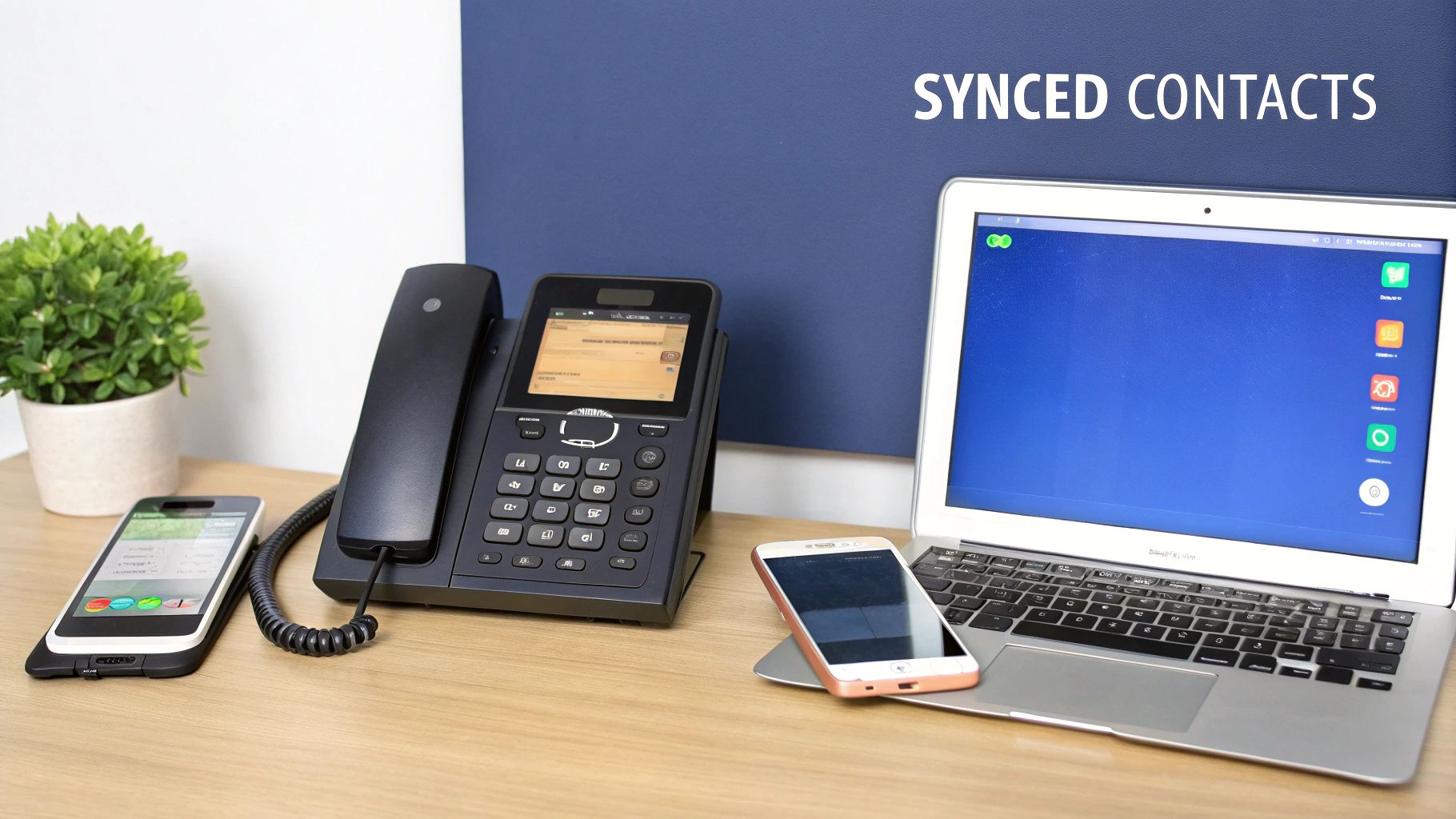
Imagine a digital Rolodex that syncs instantly across every single device you own—your desk phone, your laptop, and your mobile app. That’s what modern speed dial feels like in a business setting. It’s no longer about just saving a few seconds here and there; it’s about creating seamless, immediate connections that keep business moving.
From Clunky Buttons to Cloud Power
The journey to this point has been a long one. The shift from manual, operator-assisted calling to automated dialing was one of the biggest leaps in telecommunications. The first automatic dialing system, invented way back in 1891, was a game-changer because it eliminated the need for switchboard operators to manually connect every call. Modern cloud-based systems just continue that tradition of cutting out manual work while boosting call efficiency. You can find out more about the history of telecom technology on Ringboost.com.
This evolution is especially clear when you compare old and new systems. Traditional speed dial was stuck on a single device and totally inflexible. Today’s version, powered by a modern cloud phone system, is adaptable and built around the user. You can learn more about how a cloud phone system works in our detailed guide.
Modern speed dial is less of a feature and more of a workflow. It connects your team to key clients, suppliers, and each other with zero friction, turning communication from a multi-step task into a one-click action.
Speed Dial At a Glance Traditional vs Modern VoIP
To really see how far we've come, let's put the old way and the new way side-by-side. This quick comparison shows just how much the move to the cloud has transformed this simple, yet essential, feature.
| Feature | Traditional Speed Dial | Modern VoIP Speed Dial |
|---|---|---|
| Storage | Limited to a few physical buttons on a single device. | Virtually unlimited entries stored in a central cloud directory. |
| Accessibility | Only available on the specific phone where it was programmed. | Synced across all devices: desk phones, mobile apps, and softphones. |
| Management | Manually programmed on each phone, one by one. | Centrally managed by an administrator and customizable by users. |
| Functionality | Basic one-touch dialing. | Advanced features like presence indicators (BLF) to see if a contact is busy. |
As you can see, the difference is night and day. One is a rigid, isolated function, while the other is a flexible, connected tool that adapts to how modern teams actually work.
How Speed Dial Evolved From Physical Buttons to Cloud Directories
To really get what speed dial is today, it helps to look back at where it came from. This feature didn't just pop into existence; it grew from a simple hardware shortcut into the sophisticated, cloud-based tool businesses now depend on. Its journey pretty much mirrors the evolution of telecommunications itself—from tangled physical wires to nimble, intelligent software.
The first big leap happened back in the early 1970s. This was when Bell Laboratories figured out how to store numbers directly on a phone using MOS memory chips, a game-changer at the time. This breakthrough led to the 'Touch-O-Matic' phone, which could hold up to 32 phone numbers. That might not sound like much now, but back then, it was a massive deal. You can get a deeper dive into this classic tech by reading the full article on Wikipedia.
This one innovation was a turning point for how businesses communicated. All of a sudden, employees didn't have to look up and manually dial key clients, suppliers, or other departments every single time. Shaving just a few seconds off each call quickly added up to huge productivity gains across the board, proving the feature’s worth almost overnight.
From Limited Hardware to Limitless Cloud
For decades, speed dial was stuck in the physical world. It was tied directly to the hardware on your desk, with a limited set of programmable buttons. This made any updates a slow, manual chore. If an employee left or a supplier changed their number, someone had to physically go to every single phone and reprogram it.
This timeline gives you a great visual of the major milestones in communication, from the old rotary phone to today’s cloud-powered systems.
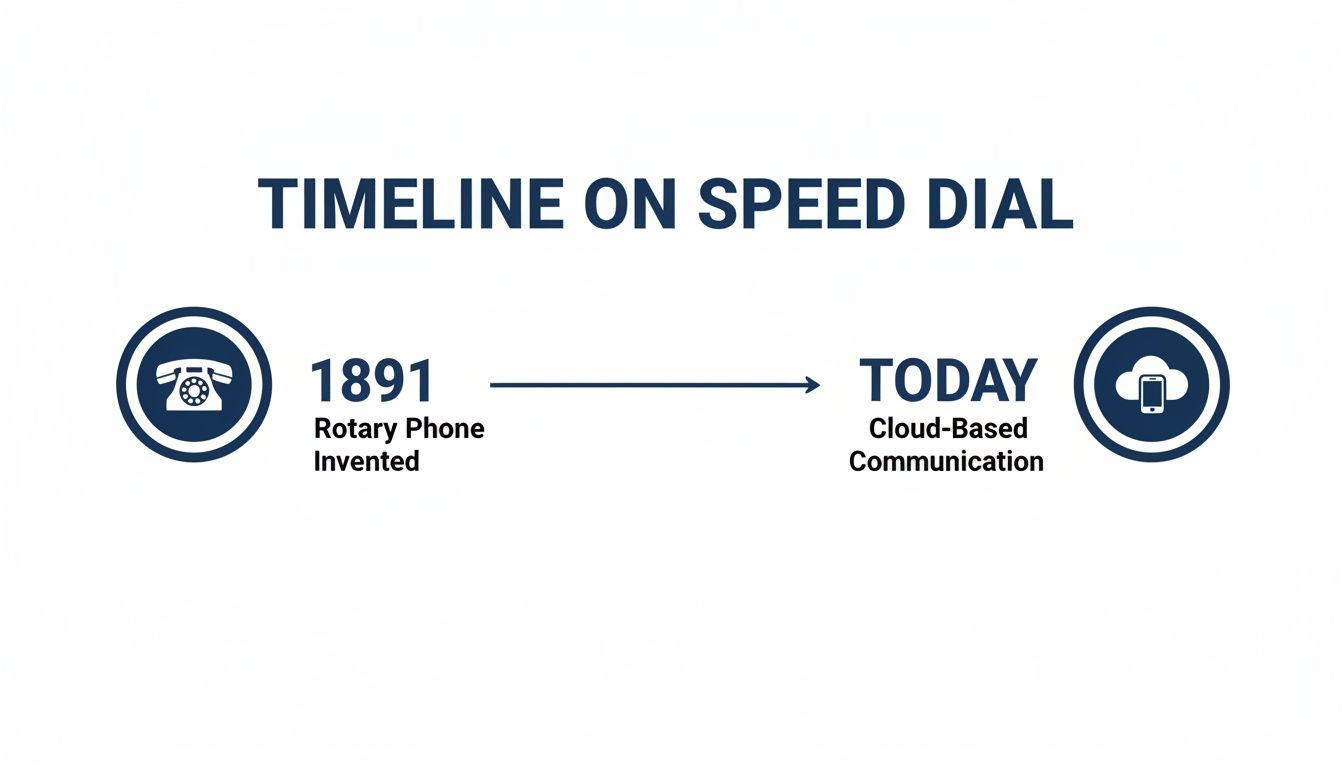
As the graphic shows, the core idea of making connections easier has always been there, but the technology powering it has completely transformed. The real revolution came with cloud computing, which finally snapped the chain linking a speed dial entry to one physical device.
Instead of storing a handful of numbers on a plastic desk phone, modern systems like SnapDial keep them in a central, cloud-based directory. This is the fundamental difference that makes today's speed dial so much more powerful.
The core concept of speed dial—instant connection—has been supercharged by the cloud. It transformed from a few slots on a physical phone to a nearly limitless, centrally managed directory accessible from any device, anywhere.
This shift means your speed dial list is no longer a static feature of your desk phone. It’s now part of your user profile, following you seamlessly from your office phone to your mobile app and desktop softphone. Moving from isolated hardware to a unified cloud directory is what defines modern business communication, giving us a level of convenience and control that was once unimaginable. It also sets the stage for the more advanced features we're about to dive into.
Understanding How Modern Speed Dial Works
So, how does speed dial actually work inside a modern business phone system? The magic is all in the cloud. Forget the old days when a phone stored a handful of numbers locally on the device itself. Today’s systems are smarter, connecting directly to a user's cloud-based profile.
Think of it just like your Google Contacts or Apple iCloud. You add a new contact on your iPhone, and a second later, it’s right there on your iPad and your MacBook. Modern speed dial operates on the exact same principle—it’s one central list that follows you absolutely everywhere.
This means your speed dial isn't chained to your desk phone anymore. The same one-touch contacts are ready to go whether you're at the office using your physical phone, on the road with the SnapDial mobile app, or working from home on the desktop softphone.
Beyond Just One-Touch Calling
This cloud-first approach unlocks powerful features that were simply impossible with old hardware. One of the most useful is the Busy Lamp Field (BLF). A BLF key does more than just dial a number; it’s also a live status indicator for your colleagues.
Here’s a quick breakdown of how BLF turns a simple speed dial button into an intelligent tool:
- Green Light: Your coworker is available and not on a call. Go ahead and press the button to dial them directly, knowing you won't be interrupting anything.
- Red or Blinking Light: Your coworker is currently on another call. That little visual cue stops you from transferring a client to a busy line, which smooths out your internal workflow and massively improves the customer's experience.
By baking in this "presence" information, a speed dial button becomes a smart communication hub. You can see who's free at a glance, making collaboration way more efficient, especially for teams that are spread out or working in a hybrid model.
Modern speed dial is fundamentally about unifying communication. It ensures every user has consistent, instant access to key contacts, regardless of the device they're using, while providing real-time context to make every call smarter.
Central Control Meets Personal Customization
Another huge advantage of a cloud system is how flexible it is to manage. An IT administrator can set up a company-wide directory with essential speed dial numbers and push it out to every user's phone. This guarantees everyone has immediate access to critical contacts like:
- The main reception desk
- IT support or the helpdesk
- Key departments like HR or Accounting
- Important suppliers or partners
But while the admin sets this universal baseline, individual employees still get the freedom to customize their own personal speed dial lists. An account manager can add their top clients, and a project manager can add their core team members. This dual approach gives you the best of both worlds: organizational consistency and individual productivity. It creates a standard framework but still empowers people to shape their tools to fit their specific roles, making the whole system both powerful and incredibly user-friendly.
The Real Business Impact of Using Speed Dial
It’s easy to dismiss speed dial as a minor convenience, something that just shaves a few seconds off a call. But what's the real, tangible value for a business? When you start to add up those seconds saved on every single call, across every person on your team, you're looking at hours of recovered productivity each and every week.
The impact runs much deeper than just dialing a little faster. A modern speed dial system refines your core business operations, polishes the customer experience, and strengthens the connective tissue of your internal teamwork. It’s not just a feature; it’s a tool for building a more agile and responsive organization from the ground up.

Driving Operational Efficiency
At its heart, speed dial is an efficiency engine. Every moment an employee spends digging through a contact list or typing in a number is a moment they aren't spending on something that actually moves the business forward. This lost time, often called "micro-waste," seems insignificant in the moment but has a massive cumulative effect on your bottom line.
A modern, cloud-based speed dial directory helps you reclaim that lost time. Here’s how:
- Slash Dialing Time: Instantly connecting to frequently called numbers eliminates the tedious task of looking up contacts, minimizing the dead air between tasks.
- Accelerate Internal Transfers: Frontline staff can route a customer to the right expert or department with a single click, getting rid of frustrating hold times and internal bottlenecks.
- Streamline Workflows: When you integrate speed dial with presence indicators (BLF), you can see who's actually available before you transfer a call, making the whole process smarter and more efficient.
Think about a busy logistics coordinator. They can instantly contact key drivers and warehouse managers without fumbling through a messy contact list, which is what keeps shipments moving on schedule. These small, repeated actions are what build a truly efficient operation.
To show how this plays out across different departments, here’s a look at some common use cases:
Speed Dial Use Cases By Business Department
| Department | Primary Use Case | Key Benefit |
|---|---|---|
| Sales | Instantly call high-value prospects, existing clients, and internal sales support. | Faster follow-ups and a more responsive sales cycle, leading to quicker deal closure. |
| Customer Support | Quickly transfer customers to Tier 2 specialists or other departments. | Drastically reduced hold times and higher first-call resolution rates, improving CSAT. |
| Operations/Logistics | One-click connection to key suppliers, drivers, and warehouse managers. | Real-time coordination and faster problem-solving, keeping the supply chain moving. |
| Executive/Admin | Immediate access to direct reports, key stakeholders, and other assistants. | More efficient scheduling and decision-making, reducing administrative friction. |
| Human Resources | Rapidly contact department heads for hiring updates or internal issue resolution. | Streamlined internal communication and faster handling of personnel matters. |
As you can see, the benefits aren't confined to one team; they ripple across the entire organization, turning small efficiencies into significant operational gains.
Elevating the Customer Experience
In a crowded market, your response time is everything. Customers expect fast, frictionless service, and speed dial is a simple but incredibly powerful tool for delivering just that. When your team can connect with clients and solve problems instantly, it leaves a lasting positive impression.
The administration has the Supreme Court on speed dial.
This quote, while from a different context, perfectly captures the feeling of having immediate, priority access. That's exactly the experience you want to give your most important customers.
A well-managed speed dial system directly improves how you interact with your customers:
- Lightning-Fast Callbacks: Sales and support teams can return missed calls from high-value clients immediately, showing them they're a top priority.
- Immediate Routing to Experts: A support agent can escalate a critical ticket by instantly connecting the customer to a Tier 2 specialist, resolving complex issues on the first call.
Fostering Seamless Team Collaboration
For remote and hybrid teams, staying connected can be a real challenge. Speed dial helps tear down those communication barriers, making it just as easy to reach a colleague working from home as it is to tap someone on the shoulder in the next cubicle.
When every team member is just one button-press away, collaboration feels fluid and natural. This is a core part of building effective workplace communication. To dive deeper, you can explore our guide on how to improve business communication for more strategies.
By centralizing key contacts—from project leads to department heads—a unified speed dial directory ensures everyone can find the right person at the right time. It keeps projects moving forward, no matter where your team happens to be working.
How to Set Up and Manage Speed Dial with SnapDial
Putting a great speed dial system in place with SnapDial is refreshingly simple. The platform is built to give administrators easy, centralized control while still letting individual users customize their own lists for maximum productivity. It’s the best of both worlds: company-wide consistency and personal flexibility.
For admins, the work starts in the SnapDial management portal. This is your command center for setting up a baseline directory that instantly populates across the entire organization. You can create a master list of essential contacts—think main office, IT support, and key departments—and push it out to every user's phone in one go.
This simple step ensures that from their very first day, every employee has one-touch access to the people and resources they need most, building a consistent and efficient communication framework from the ground up.
Administrator Setup and Company-Wide Management
Creating a universal speed dial directory is one of the quickest ways to cut down on wasted time and streamline internal communication. The goal is to make connecting with critical contacts completely frictionless for everyone.
A well-organized company directory should include:
- Key Departments: Let staff reach HR, Finance, or Sales without ever having to look up an extension.
- Essential Services: Provide instant access to the IT helpdesk or facilities management.
- Main Lines and Reception: Ensure anyone can get back to the main reception desk with a single button press.
By pre-loading these essential contacts, you’re not just making life easier for your current team; you’re also simplifying the onboarding process. New hires walk in the door with a phone that’s already programmed with the most important numbers they'll need.
You can also get more granular by creating templates for specific teams or roles. For instance, you could design a template just for the sales team that includes speed dials for the sales manager and their top internal support contacts. You can learn more about how to create a phone template via SnapBuilder in our detailed documentation.
User-Level Customization and Self-Service
While administrators handle the big-picture setup, SnapDial gives individual users the power to tailor their own speed dial lists through a simple self-service portal. This is where personal productivity really takes off. Employees can add the contacts most important to their day-to-day workflow, like their high-value clients, project team members, or direct reports.
This self-management is a game-changer. It gives your team the autonomy to optimize their own tools without having to file an IT ticket for every small change. A sales executive can add a hot new prospect to their list in seconds, while a project manager can keep their core team just a button-press away. This blend of centralized administration and personal customization ensures the system is both organized and incredibly practical for everyone who uses it.
Advanced Speed Dial Strategies for Power Users
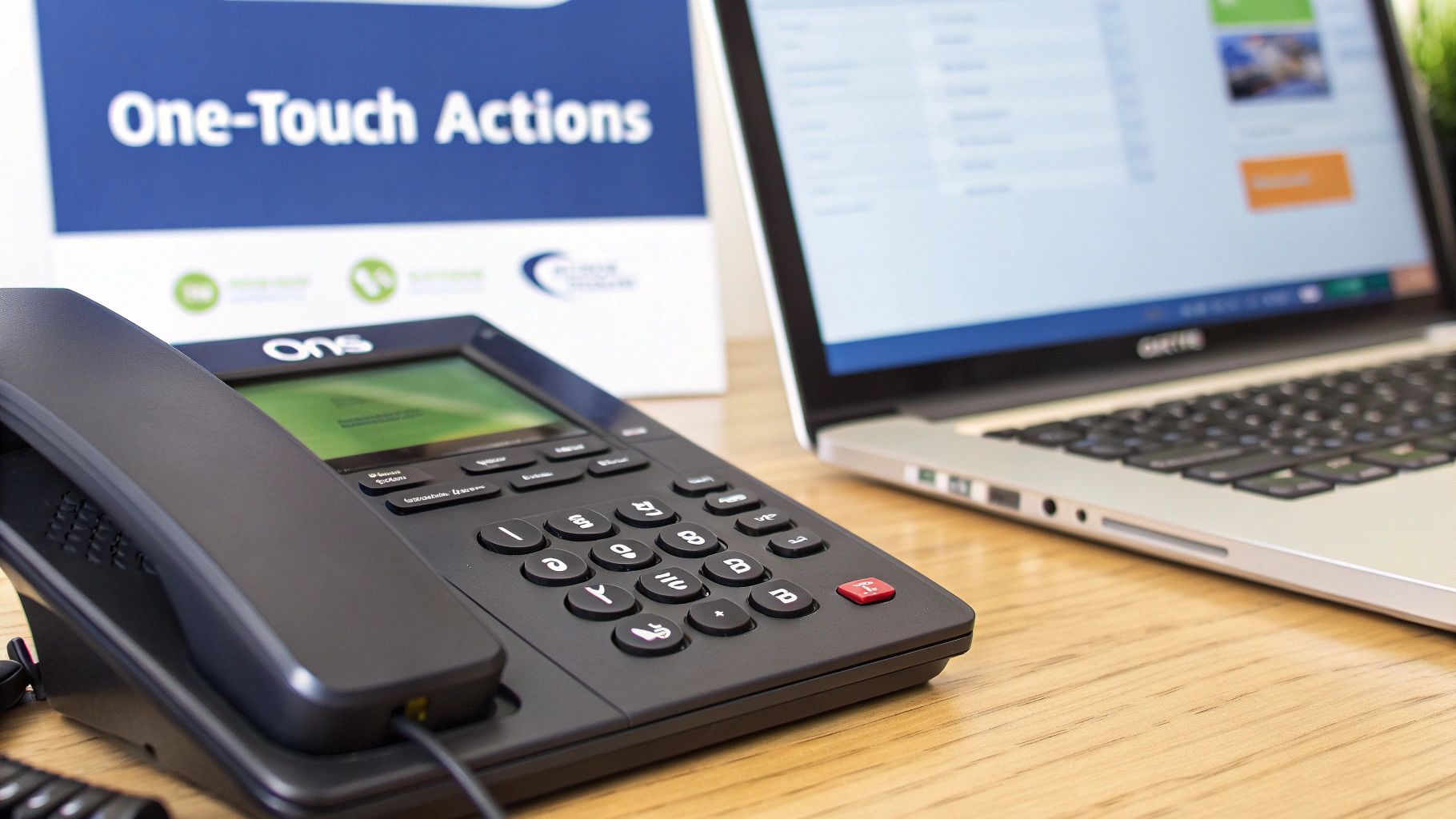
Once you've got the basics down, you can elevate speed dial from a simple calling shortcut into a full-blown command center for your entire workflow. This is where modern VoIP systems really start to flex their muscles, letting you program keys for actions that go way beyond just making a call.
Think about a busy call center for a second. With some smart programming, a single speed dial button can do more than just connect an agent to their supervisor. It could trigger a one-touch transfer directly into a specific support queue, start or stop a call recording for quality checks, or even park a call in a shared holding spot for a colleague to grab. These aren't just conveniences; they're critical operational tools.
Central Management and Security Benefits
Beyond these slick functions, one of the biggest wins of a modern system like SnapDial is its centralized management. This brings a layer of security and control that older, device-based systems could only dream of. When an employee leaves the company, an administrator can instantly kill their access and update the company directory for everyone else in a few clicks.
This single action shuts down two major security risks:
- Preventing Data Gaps: It slams the door on former employees being able to access the company's contact network.
- Maintaining Accuracy: It ensures every single person is always working from the most current and correct contact list, which cuts out a ton of confusion and potential errors.
A centrally managed speed dial system is a security feature in disguise. It closes off-boarding security gaps and ensures your entire organization operates from a single, accurate source of truth for all key contacts.
Simple Troubleshooting and Managed Support
So, what happens when something doesn't work right? With a fully managed service, troubleshooting is refreshingly straightforward. Most common hiccups, like a key not being programmed correctly, can be fixed in seconds right from the admin portal.
And for anything more complicated, having expert support is huge. Instead of your team fumbling around with hardware or complicated settings, a system like SnapDial is backed by a dedicated support team that handles all the technical heavy lifting. This managed approach really gets to the heart of what a modern business phone system should be—it’s designed to just work, so you can focus on your business, not your phones.
Got Questions? We've Got Answers
Making the switch to a modern phone system always brings up a few questions. To help clear things up, we’ve put together straightforward answers to the questions we hear most often about speed dial in a cloud-based world.
How Many Numbers Can I Store On a Modern VoIP Speed Dial?
Forget the old days of being limited to 10 or 20 physical buttons. Modern VoIP systems like SnapDial move your directory to the cloud, giving you virtually unlimited speed dial entries.
The practical limit isn't about the system's memory anymore; it's about what’s useful. You can often have hundreds or even thousands of contacts ready to go, all managed from a simple web portal.
Does Speed Dial Work On Mobile Apps and Softphones?
Yes, and this is one of the biggest advantages of a cloud PBX. Your speed dial list is tied to you, not a specific piece of hardware sitting on a desk.
That means your curated list of important contacts follows you everywhere. It’s automatically synchronized and ready to use across your desk phone, the mobile app on your smartphone, and your desktop softphone client. No more programming the same numbers on three different devices.
Can I See If Someone On My Speed Dial Is Already On a Call?
Absolutely. This incredibly useful feature is called Busy Lamp Field (BLF). When it's set up, the light next to a speed dial key on your desk phone acts as a real-time status indicator for that contact.
Typically, it'll be green when they're available and turn red when they're on a call. It’s a simple visual cue that stops you from transferring calls to a busy colleague or interrupting them mid-conversation.
Ready to transform your business communication? Discover how SnapDial can deliver a powerful, reliable, and easy-to-manage cloud phone system. Learn more at https://snap-dial.com.