
In the relentless push for better, faster customer service, support teams are often stretched thin, managing high ticket volumes while trying to deliver personalized experiences. The result is often agent burnout and frustrated customers waiting for answers. This is precisely the problem that modern AI agents are designed to solve. By automating routine inquiries and providing instant, 24/7 support, these tools empower human agents to focus their expertise on complex, high-value interactions that truly require a human touch.
Finding the right solution, however, can be a challenge. The market is crowded with options, each with a unique set of features, integrations, and pricing models. This guide is designed to cut through the noise and provide a clear, practical roadmap for selecting one of the best AI agents for customer support. We will dive deep into 12 leading platforms, from comprehensive helpdesks like Zendesk and Intercom to specialized AI powerhouses like Ada and Forethought. To truly grasp the power these tools bring, it's essential to understand the core functions and benefits of an intelligent AI assistant for customer service.
Our analysis goes beyond marketing claims, offering an honest assessment of each platform's pros, cons, and ideal use cases for SMBs and enterprise call centers alike. We’ll examine critical features such as omnichannel capabilities, CRM integration, and telephony support for systems like your cloud PBX. Each review includes screenshots and direct links, equipping you with everything needed to make an informed decision and implement a solution that not only lightens your team's workload but also significantly elevates your customer experience.
1. Intercom
Intercom stands out as one of the best AI agents for customer support, particularly for small to mid-sized businesses seeking an all-in-one, AI-first platform. Its core offering, the Fin AI Agent, is designed for rapid deployment and can operate across multiple channels including chat, email, SMS, and even voice. This omnichannel capability allows businesses to provide a consistent AI-powered experience wherever their customers are.
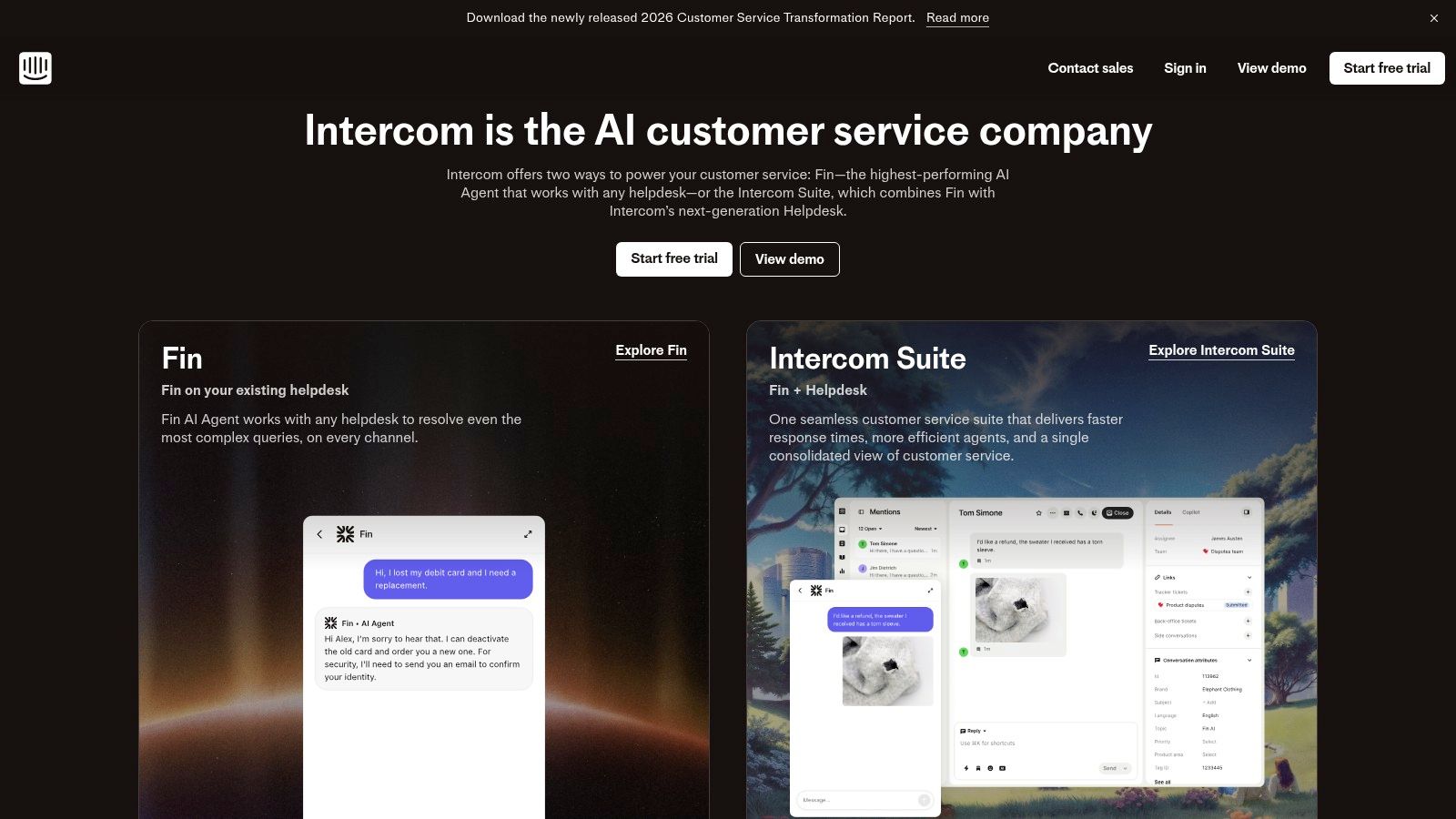
Unlike platforms with complex, feature-based pricing, Intercom simplifies costs by billing per resolution. This usage-based model makes it financially accessible and scalable. Businesses can start with the standalone Fin agent and integrate it with their existing help desk or adopt Intercom's full suite, which includes a unified inbox and powerful automation tools. This flexibility makes it a strong contender for teams prioritizing a fast time-to-value.
Key Features & Considerations
- Pricing Model: Billed per successful resolution, making costs directly tied to value.
- Omnichannel Reach: Fin works across chat, email, SMS, WhatsApp, and phone.
- Integration: Can be set up on existing helpdesks in under an hour; also offers a native inbox.
- Ecosystem: Boasts a broad range of integrations with popular CRMs and business tools.
Best Use Case: SMBs and mid-market companies needing a fast, effective AI chatbot that can be deployed quickly without replacing their entire support stack. It's an excellent first step for businesses exploring the benefits of AI agents for customer support and want a solution that can grow with them.
Practical Tip: To manage the resolution-based billing, start by training Fin on your most frequent and easily answerable questions. Monitor its performance closely during initial deployment to refine its knowledge base and control costs, especially during unexpected support volume spikes.
| Pros | Cons |
|---|---|
| Clear, usage-based AI agent pricing | Telephony/SMS usage adds extra variable costs |
| Strong SMB-to-midmarket fit with fast setup | Resolution-based billing requires monitoring during spikes |
| Broad ecosystem of third-party integrations | Advanced features are part of higher-tier plans |
Website: https://www.intercom.com
2. Zendesk
Zendesk is a powerhouse in the customer service world, offering one of the best AI agents for customer support deeply integrated into its mature, enterprise-grade helpdesk platform. Rather than a standalone bot, Zendesk’s AI is woven into the entire support workflow, powering features like intelligent triage, macro suggestions, and an agent-facing Copilot to improve efficiency and consistency. This makes it ideal for established support teams looking to augment their existing operations with AI, not just deflect tickets.
The platform excels at providing a unified, omnichannel agent experience, bringing together email, chat, voice, and social channels into a single ticketing system. Zendesk's AI add-ons build upon this strong foundation, helping agents find answers faster and automating routine tasks. While its pricing and packaging can be complex, its comprehensive feature set and extensive app marketplace make it a top choice for organizations that need a powerful, all-in-one solution that scales.
Key Features & Considerations
- Pricing Model: Tiered subscription plans with AI features available as add-ons, increasing total cost.
- Omnichannel Ticketing: A mature, unified system for managing conversations across all customer channels.
- Integration: Extensive app marketplace with deep integrations for CRMs, telephony, and business tools.
- Ecosystem: Supported by a large partner ecosystem and a wealth of training resources.
Best Use Case: Mid-market to enterprise-level companies that require a robust, all-in-one helpdesk with tightly integrated AI capabilities. It's a great fit for teams that prioritize agent assistance and advanced workflow automation over a simple, standalone chatbot.
Practical Tip: Leverage Zendesk's sandbox environment to test AI-powered triage rules and agent-assist features before rolling them out live. This allows you to fine-tune automation and measure the potential impact on agent productivity and key metrics like first-response time without disrupting your customer experience.
| Pros | Cons |
|---|---|
| Mature enterprise feature set and compliance | Pricing and packaging can be complex and costly |
| Large partner ecosystem and training resources | AI features are often expensive add-ons to base plans |
| Deeply integrated AI for agent assistance | Product packaging changes can affect long-term planning |
Website: https://www.zendesk.com
3. Freshdesk (Freshworks)
Freshdesk positions itself as one of the best AI agents for customer support by offering a powerful, yet accessible, entry point for small to medium-sized businesses. Its platform is built around the core helpdesk but is enhanced by Freddy AI, which provides both customer-facing automation and agent-assist capabilities through Freddy Copilot. This dual approach helps teams resolve issues faster and improves agent productivity simultaneously.
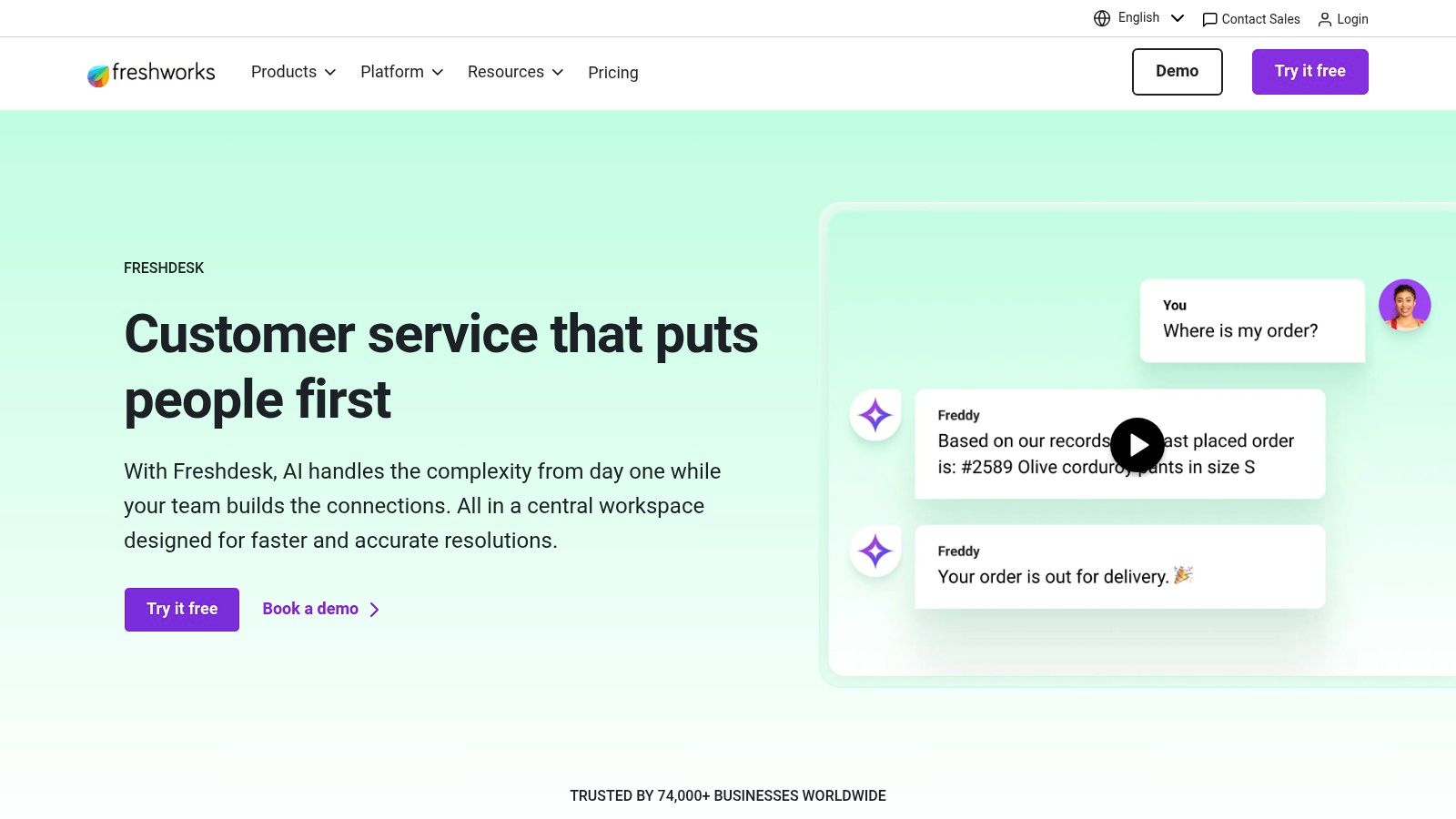
A key advantage of Freshdesk is its flexible and scalable model. Businesses can start with a generous free tier for basic ticketing and gradually add AI capabilities as needed. Pricing for Freddy AI is session-based, and companies can purchase AI functionality for only a subset of their agents, offering granular control over costs. This makes it an attractive option for businesses that want to experiment with AI without a massive upfront investment.
Key Features & Considerations
- Pricing Model: AI features are priced per "Freddy AI session" (automated conversations), which can be purchased as an add-on.
- Dual AI Functionality: Offers Freddy AI for customer self-service and Freddy Copilot to assist human agents with replies and workflows.
- Integration: Natively connects with a wide ecosystem of apps, including CRMs and communication platforms.
- Scalability: Starts with a free plan and allows for flexible, à la carte addition of AI features.
Best Use Case: SMBs and startups that need a comprehensive helpdesk solution with the option to incrementally adopt AI. It’s ideal for teams that value a low initial barrier to entry and want the flexibility to scale their AI customer support agents as they grow.
Practical Tip: Maximize the value of the session-based pricing by deploying the AI bot on high-volume, low-complexity channels first, such as your website chat. For those already utilizing Freshdesk, you might find it beneficial to learn how to integrate WhatsApp group chats with Freshdesk to further centralize support.
| Pros | Cons |
|---|---|
| Low barrier to start with a free program | Session-based AI pricing can be unpredictable during spikes |
| Flexible purchasing: buy AI for a subset of agents | Some AI features are only available as add-ons or on higher tiers |
| Combines agent-assist and customer-facing AI | Can become complex to manage pricing with multiple add-ons |
Website: https://www.freshworks.com/freshdesk
4. Ada
Ada carves out its space as one of the best AI agents for customer support for large-scale enterprises that demand sophisticated, omnichannel automation. Its platform is engineered to handle high-volume interactions across chat, email, and voice, leveraging a multi-LLM framework to ensure contextually aware and accurate responses. Ada excels in orchestrating complex, multi-step customer journeys through its "Playbooks" feature, which guides the AI to follow specific standard operating procedures.
Unlike solutions aimed at rapid, simple deployment, Ada is built for depth and continuous improvement. It provides robust testing, coaching, and analytical tools tied directly to core business metrics like CSAT and resolution rates. This focus on governance and optimization, combined with enterprise-grade security and support for over 50 languages, makes it a powerful choice for global brands. However, its sales-led pricing and implementation complexity mean it's best suited for organizations with dedicated resources to manage the platform.
Key Features & Considerations
- Omnichannel Automation: Natively supports chat, email, and voice channels with multi-language capabilities.
- Playbooks Feature: Enables the creation of structured, multi-step workflows for complex issue resolution.
- Optimization Tools: Includes advanced analytics and coaching features to improve agent performance against KPIs.
- Enterprise Focus: Strong emphasis on security, compliance, and governance for large organizations.
Best Use Case: Enterprise-level companies with high support volumes, complex workflows, and a need for multilingual, omnichannel automation. It's ideal for businesses that require granular control and continuous optimization of their AI support operations.
Practical Tip: Leverage Ada's "Playbooks" for your most intricate but common support processes, such as returns or technical troubleshooting. Map out these workflows visually before building them in the platform to ensure the AI agent follows the exact steps your human agents would, maintaining brand consistency and compliance.
| Pros | Cons |
|---|---|
| Deep capabilities for complex, high-volume workflows | Pricing is enterprise-oriented and requires a sales quote |
| Strong tools for AI performance optimization and governance | Longer implementation and integration planning required |
| Excellent multilingual and omnichannel support | May be too complex for small businesses without dedicated teams |
Website: https://www.ada.cx
5. Forethought
Forethought positions its SupportGPT™ platform as one of the best AI agents for customer support for businesses that require a blend of full automation and powerful human agent assistance. The platform is designed to resolve common inquiries autonomously across all channels while simultaneously empowering human agents with real-time, in-desk guidance, summaries, and response suggestions. This dual focus makes it a powerful choice for support teams aiming to improve both efficiency and agent performance.
Unlike solutions focused solely on chatbot automation, Forethought's platform deeply integrates into the agent's workflow. Its "Assist" feature provides step-by-step suggestions and can identify knowledge gaps in the help center, recommending new content to be created. This holistic approach helps streamline operations and continuously improve the knowledge base that both the AI and human agents rely on. Pricing is customized, requiring engagement with their sales team to tailor a plan based on volume and required features.
Key Features & Considerations
- Agent Assistance: In-desk tools provide real-time suggestions, summaries, and reply generation for human agents.
- Knowledge Management: Actively detects knowledge gaps and helps generate new support content.
- Omnichannel Automation: Deployable across email, chat, and other digital channels for consistent support.
- Enterprise-Ready: Offers advanced analytics, robust API access, and controls suited for larger organizations.
Best Use Case: Enterprise and mid-market companies that want to augment their human support team with AI, not just deflect tickets. It's ideal for organizations focused on improving agent productivity, reducing training time, and ensuring consistent service quality across complex support scenarios.
Practical Tip: Leverage the "knowledge gap detection" feature from day one. Use it to prioritize your content creation strategy, ensuring that your help center articles directly address the most common questions your AI and agents are unable to answer, creating a powerful feedback loop for continuous improvement.
| Pros | Cons |
|---|---|
| Strong combination of automation and agent-assist | No public self-serve pricing; sales engagement required |
| Enterprise-oriented controls and analytics | Overage and usage details are contract-dependent |
| Proactively improves knowledge base | May be overly complex for very small businesses |
Website: https://forethought.ai
6. Kustomer (by Meta)
Kustomer positions itself as an omnichannel CRM platform first, with powerful AI capabilities layered on top. This makes it one of the best AI agents for customer support for businesses that need to unify customer data and conversations into a single timeline. Its AI is designed to augment both the customer and agent experience, handling inquiries and providing human reps with essential tools like summaries and suggested replies.
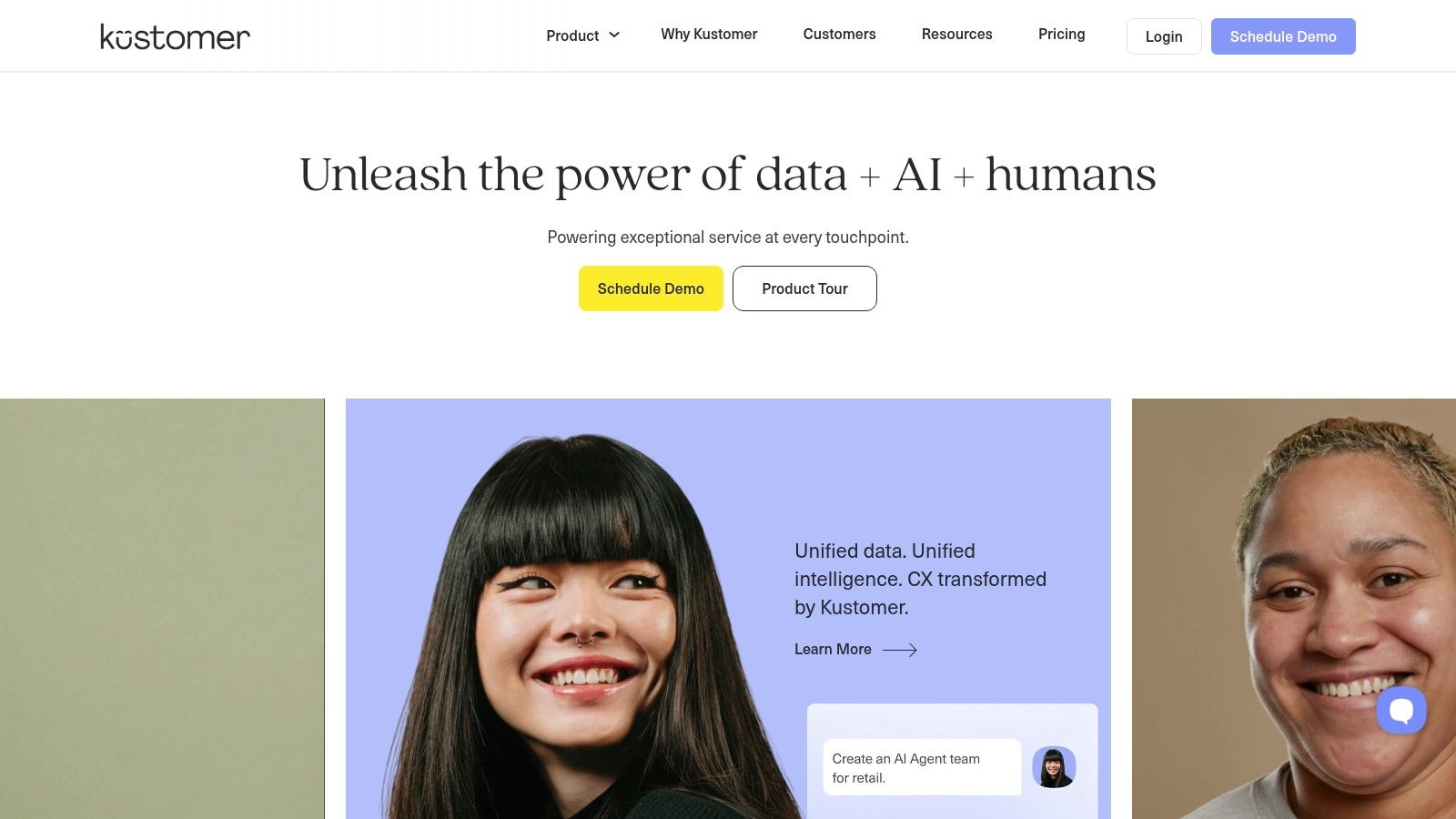
The platform’s strength lies in its context-rich approach. By pulling data from every interaction across chat, email, SMS, and voice into one view, its AI can provide more personalized and accurate resolutions. Kustomer’s pricing model for AI is an add-on based on engaged conversations, allowing businesses to control costs while leveraging automation. This structure, combined with its CRM foundation, makes it ideal for retail and e-commerce brands focused on building long-term customer relationships.
Key Features & Considerations
- Pricing Model: AI features are priced as an add-on per engaged conversation, with all-inclusive bundles available.
- Unified Timeline: Gathers all customer interactions (chat, email, SMS, voice) into a single, chronological view.
- Dual AI Focus: Offers "AI for Customers" (automation) and "AI for Reps" (agent assistance tools).
- Integration & Data: Features extensive integrations and a flexible data model ideal for custom workflows.
Best Use Case: High-volume e-commerce and direct-to-consumer (DTC) brands that need a unified customer view to power their support. It’s perfect for teams that want AI to handle common inquiries while equipping human agents with rich contextual data for complex issues.
Practical Tip: Leverage the unified timeline by creating AI-powered workflows that trigger based on past customer behavior or purchase history. For example, an AI agent could proactively offer a discount to a repeat customer who reports a shipping issue, pulling historical data to personalize the interaction.
| Pros | Cons |
|---|---|
| Clear add-on pricing for AI features | Core plans often have seat minimums (e.g., 8 seats) |
| Bundled, all-inclusive options are available | Advanced channel configurations may require implementation |
| Strong CRM foundation for context-rich support | Can be more complex than standalone chatbot solutions |
Website: https://www.kustomer.com
7. LivePerson
LivePerson's Conversational Cloud is an enterprise-grade platform that positions itself among the best AI agents for customer support by focusing on high-volume, secure messaging. It provides a comprehensive suite of generative AI, sophisticated routing, and agent assistance tools designed for large organizations that need to manage complex, multi-channel conversations at scale. Its architecture is built for flexibility, allowing businesses to either build bots natively or connect to third-party frameworks.
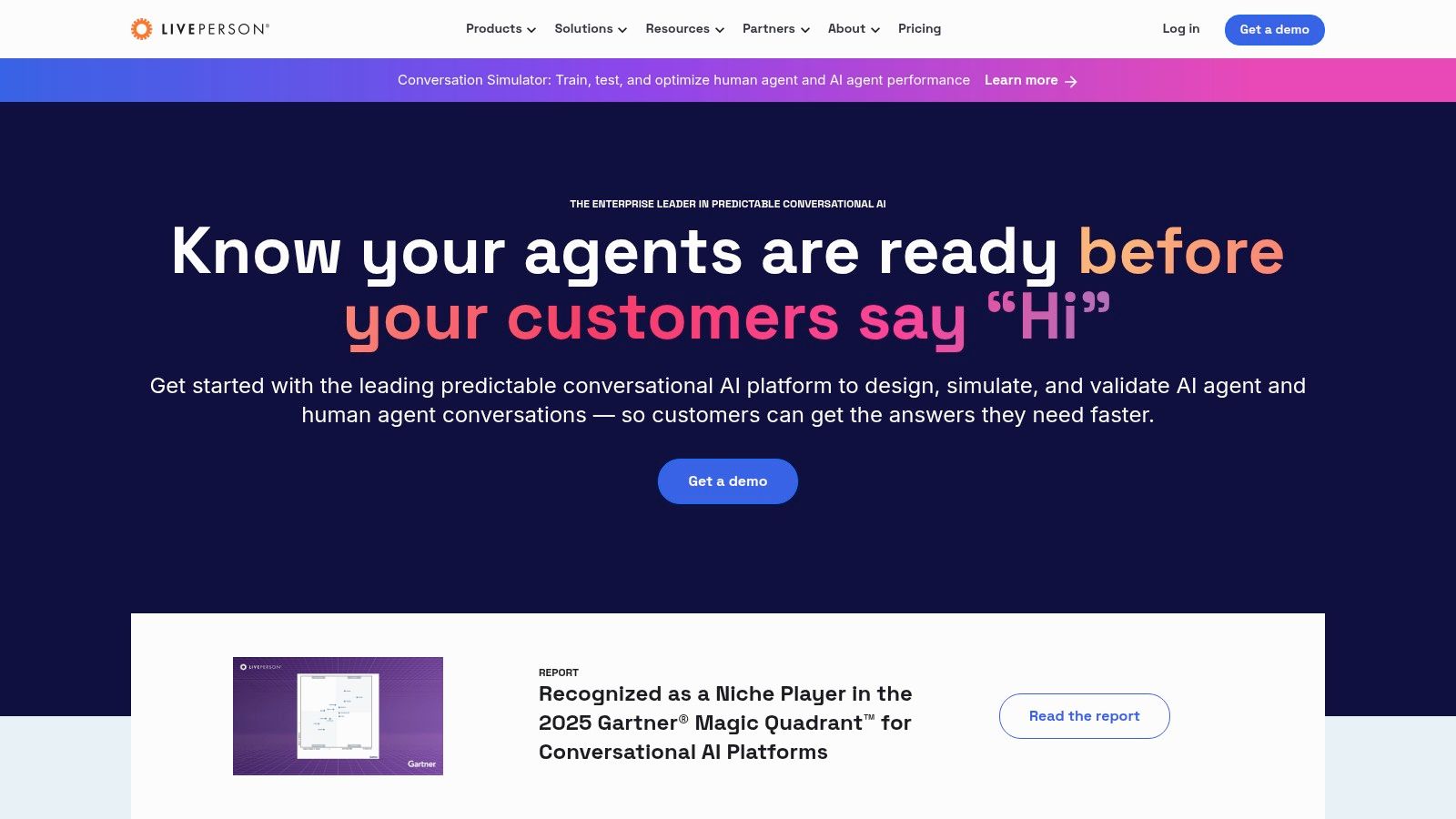
Unlike many SMB-focused tools, LivePerson excels in orchestration, using its Conversation Orchestrator to route inquiries to the right bot or human agent based on intent and context. This makes it a powerful choice for enterprises with established support teams and complex workflows. The platform’s open APIs and robust connectors ensure it can integrate deeply into existing enterprise ecosystems, making it a highly adaptable solution for mature support operations.
Key Features & Considerations
- Multichannel Messaging: Engages customers across web, in-app messaging, SMS, WhatsApp, Apple Messages for Business, and Meta.
- Conversation Orchestrator: Intelligently routes conversations between bots and human agents for optimal efficiency.
- Agent Assist: Provides AI-powered recommendations for answers and bots directly within the agent workspace.
- Open Platform: Features bot connectors and open APIs to integrate with third-party bot frameworks and business systems.
Best Use Case: Large enterprises and high-volume contact centers that require a scalable, secure, and highly customizable messaging platform with extensive channel support. It's ideal for organizations that already have bot solutions or need a platform that can orchestrate a complex mix of AI and human support.
Practical Tip: Leverage the Conversation Orchestrator to create a tiered support model. Use AI agents for initial triage and common queries, then establish clear routing rules to escalate complex or high-value conversations to specialized human agent teams, maximizing both efficiency and customer satisfaction.
| Pros | Cons |
|---|---|
| Strong at high-scale messaging and channel breadth | Pricing is quote-driven and not transparent online |
| Flexible: build in LivePerson or bring third-party bots | Best value often requires dedicated admin resources to manage |
| Enterprise-grade security and orchestration tools | Can be overly complex for small or mid-sized businesses |
Website: https://www.liveperson.com
8. Google Cloud – Dialogflow CX
Google Cloud's Dialogflow CX is a powerful platform for enterprises that need to build custom, stateful conversational agents from the ground up. Rather than being a pre-built helpdesk, it provides the advanced tools to create some of the best AI agents for customer support capable of handling complex, multi-turn conversations. Its visual flow builder is a key differentiator, allowing developers to map out intricate dialogue paths and manage conversation states with precision.
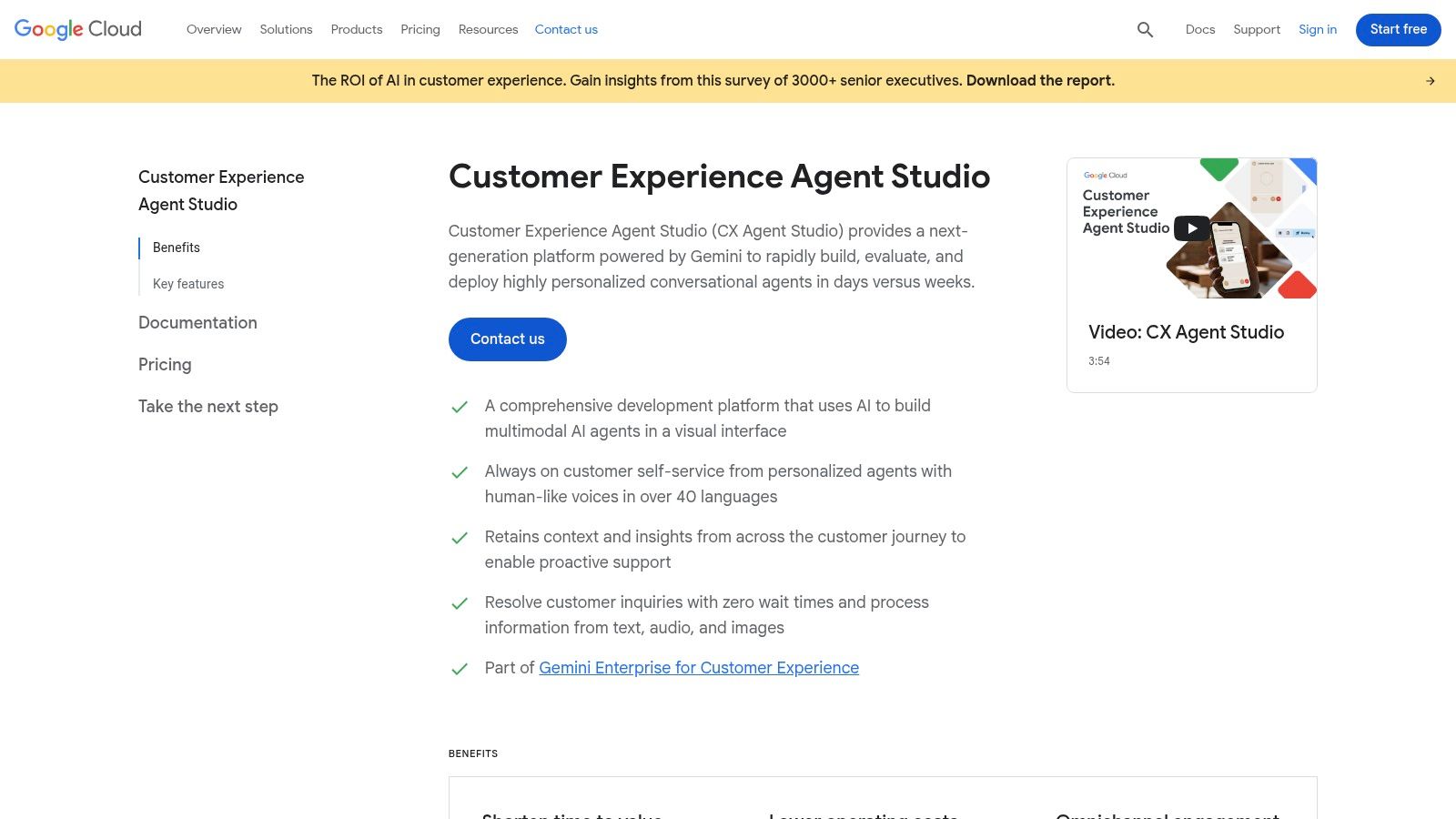
This platform is not an out-of-the-box solution but an enterprise-grade framework. Its strength lies in its deep integration with the Google Cloud ecosystem, including Agent Assist and Contact Center AI (CCAI). Pricing is granular and usage-based, with separate charges for text and voice interactions, offering transparency for high-volume operations. This makes it ideal for organizations with development resources that want total control over their AI agent's logic, branding, and integration points.
Key Features & Considerations
- Visual Flow Builder: Allows for intuitive design and management of complex, stateful conversations.
- Omnichannel Integration: Natively supports telephony, chat, and other digital channels.
- State Handling: Advanced capabilities to manage conversational context over long interactions.
- Ecosystem: Part of the broader Google Contact Center AI suite, offering powerful analytics and agent assistance tools.
Best Use Case: Large enterprises or tech-savvy businesses with in-house development teams that require a highly customizable and scalable conversational AI framework to integrate into their existing contact center infrastructure or applications.
Practical Tip: Leverage the state handlers and flow-based structure to build "sub-agents" for specific tasks like appointment booking or order status checks. This modular approach makes the agent easier to manage, test, and scale as you add more capabilities.
| Pros | Cons |
|---|---|
| Enterprise-grade reliability and Google Cloud security | Requires significant design and integration expertise |
| Transparent, granular usage pricing for text and audio | Not an out-of-the-box helpdesk; it's a development platform |
| Powerful visual builder for complex conversational flows | Voice features and CCAI integrations add cost and complexity |
Website: https://cloud.google.com/dialogflow
9. Amazon Web Services – Amazon Lex
For businesses already invested in the AWS ecosystem, Amazon Lex provides one of the most powerful and flexible frameworks to create some of the best AI agents for customer support. It’s not an out-of-the-box solution, but a service offering the core components of natural language understanding (NLU) and automatic speech recognition (ASR) to build custom conversational bots. This makes it ideal for companies with specific, complex requirements that pre-built platforms cannot meet.
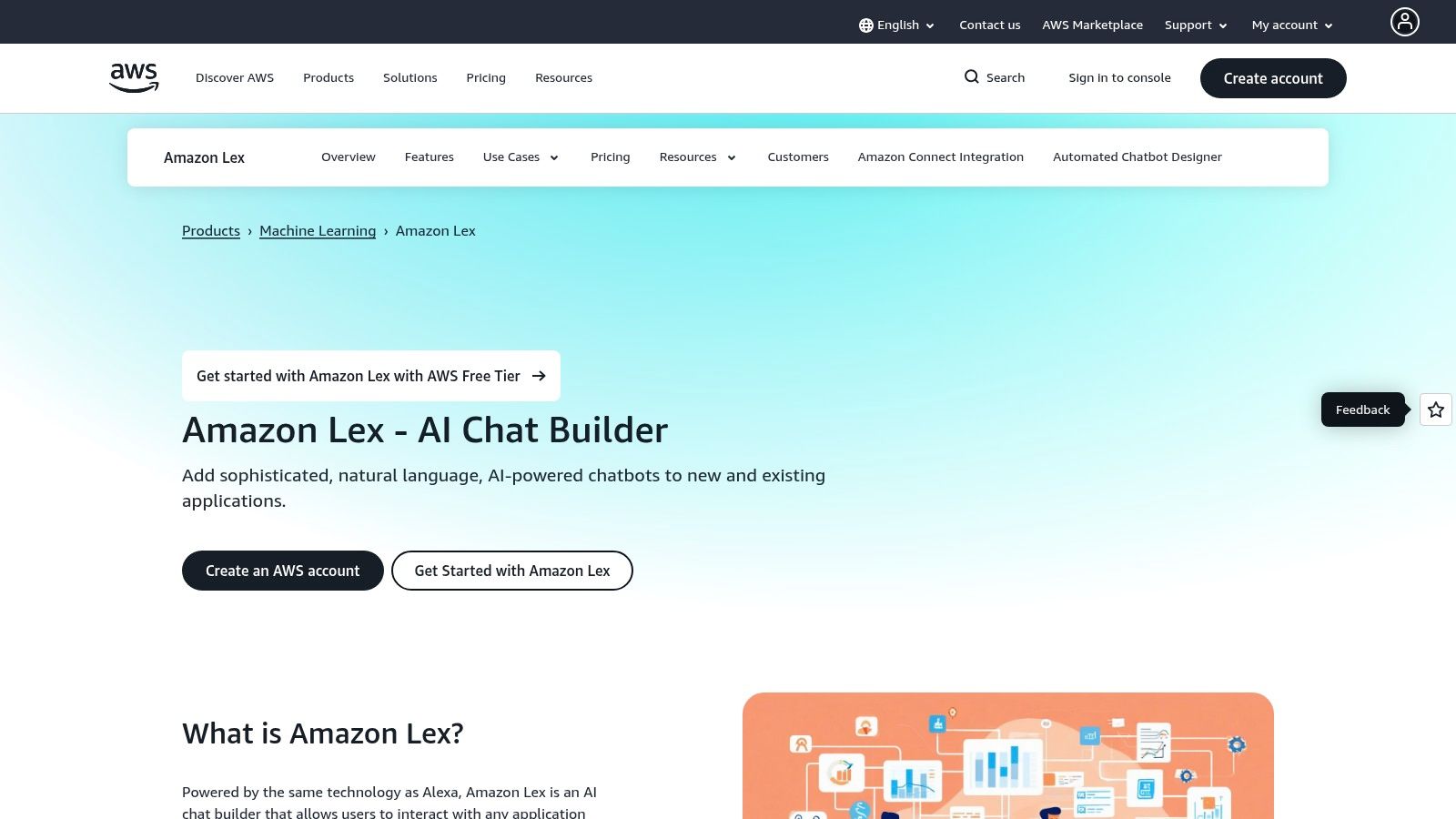
The primary advantage of Lex is its native integration with other AWS services, especially Amazon Connect, AWS's cloud contact center. This allows for the creation of sophisticated voice and chat bots that can handle initial customer queries, gather information, and perform actions before escalating to a human agent. The pay-as-you-go model is cost-effective for teams who want to experiment and scale without large upfront commitments, and the AWS Marketplace offers pre-packaged solutions for faster deployment.
Key Features & Considerations
- Pricing Model: Pay-as-you-go based on the number of text or speech requests processed, with a generous Free Tier for new accounts.
- Core Technology: Provides the underlying NLU and ASR engines for building custom conversational experiences.
- Integration: Deep, seamless integration with Amazon Connect and the broader AWS ecosystem (e.g., Lambda, DynamoDB).
- Ecosystem: The AWS Marketplace provides access to third-party, ready-made chatbot solutions and no-code builders that run on Lex.
Best Use Case: Companies with in-house development resources or those heavily reliant on the AWS stack, particularly Amazon Connect users. It's perfect for creating highly customized voice and chatbots tailored to unique business processes.
Practical Tip: Before committing to a full custom build, explore the AWS Marketplace for pre-built chatbot solutions. You may find a partner-provided agent that meets 80% of your needs, significantly reducing development time and engineering costs while still leveraging the power of Lex.
| Pros | Cons |
|---|---|
| Deep integration with the AWS stack and Amazon Connect | DIY builds require significant engineering resources and expertise |
| Flexible pay-as-you-go pricing model is highly scalable | Quality and pricing of AWS Marketplace solutions can vary widely |
| Choice to build custom bots or buy marketplace solutions | Can be overly complex for simple chatbot requirements |
Website: https://aws.amazon.com/lex
10. Microsoft – Copilot Studio
Microsoft Copilot Studio emerges as one of the best AI agents for customer support for businesses deeply embedded in the Microsoft ecosystem. Formerly Power Virtual Agents, this low-code platform allows users to create and manage sophisticated AI copilots for both external customer service and internal processes. Its primary advantage is its seamless integration with Microsoft 365, Teams, and the broader Power Platform.
This tight coupling allows businesses to build agents that can tap into existing organizational data and trigger workflows through Power Automate, creating a highly contextual and powerful support experience. Copilot Studio is designed to extend the capabilities of Microsoft 365 Copilot, enabling organizations to customize their AI to handle specific business-critical tasks and conversations across various channels.
Key Features & Considerations
- Pricing Model: Flexible licensing with capacity packs (billed per message) or pay-as-you-go options tied to an Azure subscription.
- Deep Integration: Native connectivity to Microsoft 365, Teams, Dynamics 365, and Power Automate for complex workflows.
- Low-Code Environment: An intuitive graphical interface allows non-developers to build, test, and deploy AI agents.
- Extensibility: Can be used to create custom GPTs and plugins that extend the core Microsoft 365 Copilot.
Best Use Case: Enterprises and SMBs already standardized on Microsoft 365 and Azure. It is ideal for creating internal helpdesk bots for IT or HR, or for customer-facing agents that need to integrate deeply with Dynamics 365 CRM data.
Practical Tip: Start by identifying a high-volume, low-complexity internal use case, like an IT password reset bot integrated with Microsoft Teams. This allows you to understand the platform's capabilities and complex licensing model in a controlled environment before deploying a customer-facing agent.
| Pros | Cons |
|---|---|
| Unmatched integration with Microsoft 365 and Power Platform | Licensing can be complex to navigate (credits, packs, Azure) |
| Powerful low-code builder for creating custom workflows | Best value is realized when already invested in the Microsoft stack |
| Extends and customizes core Microsoft Copilot experiences | May be overly complex for simple chatbot needs |
Website: https://www.microsoft.com/copilot-studio
11. Salesforce – Service Cloud (Agentforce)
Salesforce solidifies its position among the best AI agents for customer support by deeply embedding AI within its market-leading CRM. Service Cloud’s AI capabilities, now streamlined under Agentforce packaging, are designed for businesses that need to leverage rich customer data for hyper-personalized and context-aware service. The platform excels at AI-augmented case resolution, intelligent knowledge management, and predictive channel routing, all powered by a unified data source.
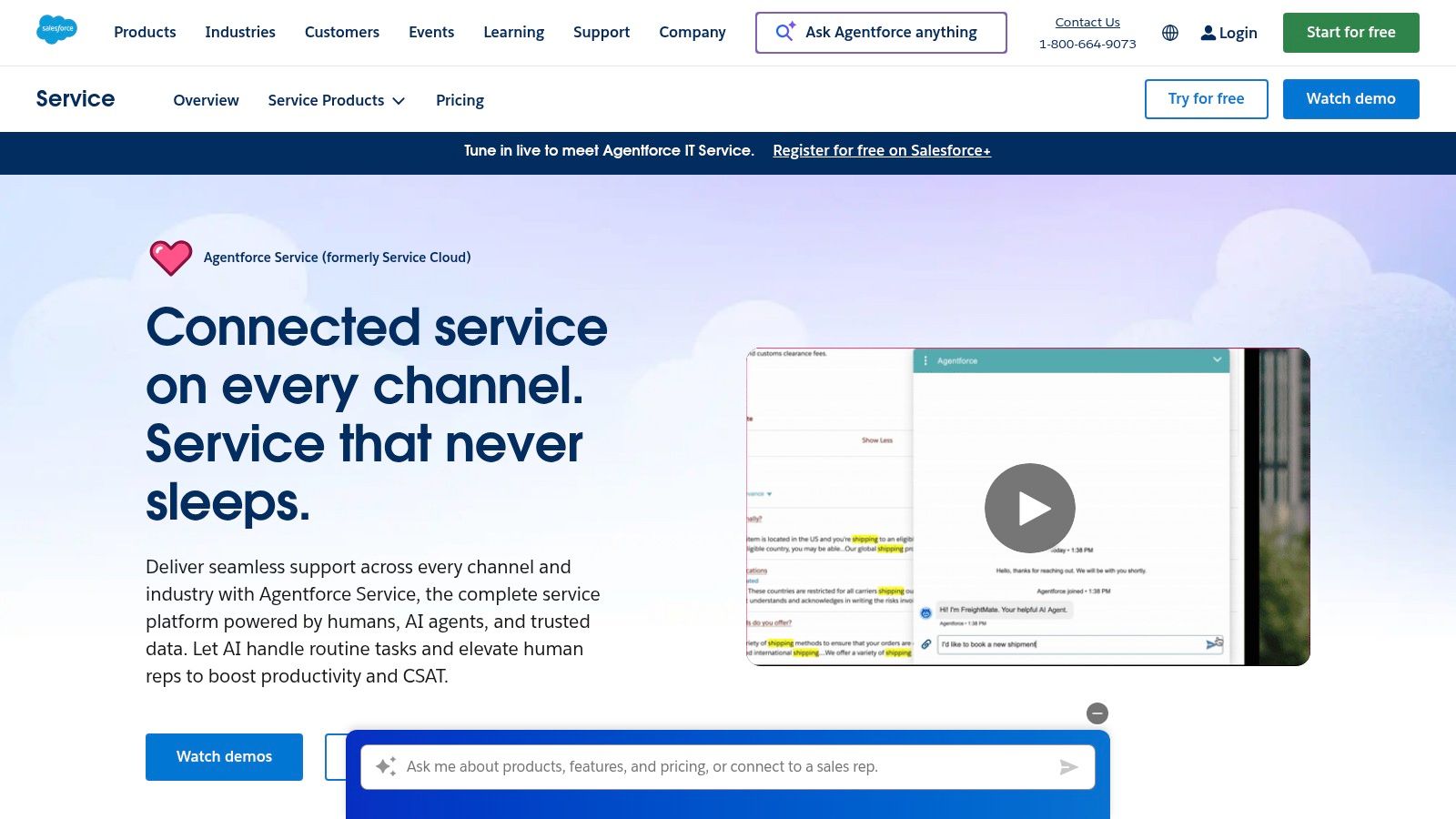
This native integration makes it an exceptional choice for companies already invested in the Salesforce ecosystem. The new Agentforce add-ons offer more flexible consumption-based pricing via Flex Credits, moving away from older, rigid Einstein add-ons. With a vast AppExchange ecosystem and industry-specific templates, Salesforce allows for extensive customization, though this often requires a more significant implementation effort compared to out-of-the-box solutions.
Key Features & Considerations
- Pricing Model: Flexible pricing via Agentforce add-ons and various Service Cloud editions, often using a consumption model with Flex Credits.
- Deep CRM Integration: AI agents have native access to customer history, purchase data, and case records for authenticated, data-rich interactions.
- Templates & Ecosystem: Offers pre-built templates for specific roles and industries, plus a massive AppExchange for extended functionality.
- Security: Backed by enterprise-grade security, compliance, and a robust partner ecosystem for implementation support.
Best Use Case: Enterprise and mid-market companies already using Salesforce CRM who need a powerful, data-driven AI agent that can handle complex, authenticated customer journeys. It's ideal for organizations prioritizing a single source of truth for all customer interactions.
Practical Tip: Leverage Salesforce's Trailhead learning platform to understand the capabilities of Service Cloud AI before committing. Start with a focused pilot project, like AI-powered case classification or knowledge article suggestions for human agents, to demonstrate value before a full-scale rollout.
| Pros | Cons |
|---|---|
| Deep CRM integration for authenticated, data-rich use cases | Pricing and packaging changes require careful budget planning |
| Enterprise security, compliance, and partner ecosystem | Often implementation-heavy; total cost of ownership includes services |
| Extensive customization through AppExchange and templates | Can be overkill for small businesses with simple support needs |
Website: https://www.salesforce.com/service
12. Tidio (Shopify App Store)
Tidio shines as one of the best AI agents for customer support specifically for ecommerce businesses, particularly those built on Shopify. Its Lyro AI chatbot is designed to integrate seamlessly into online stores, handling common customer questions about order status, shipping policies, and returns. This focus makes it an incredibly powerful tool for direct-to-consumer (DTC) brands aiming to automate support and drive sales.
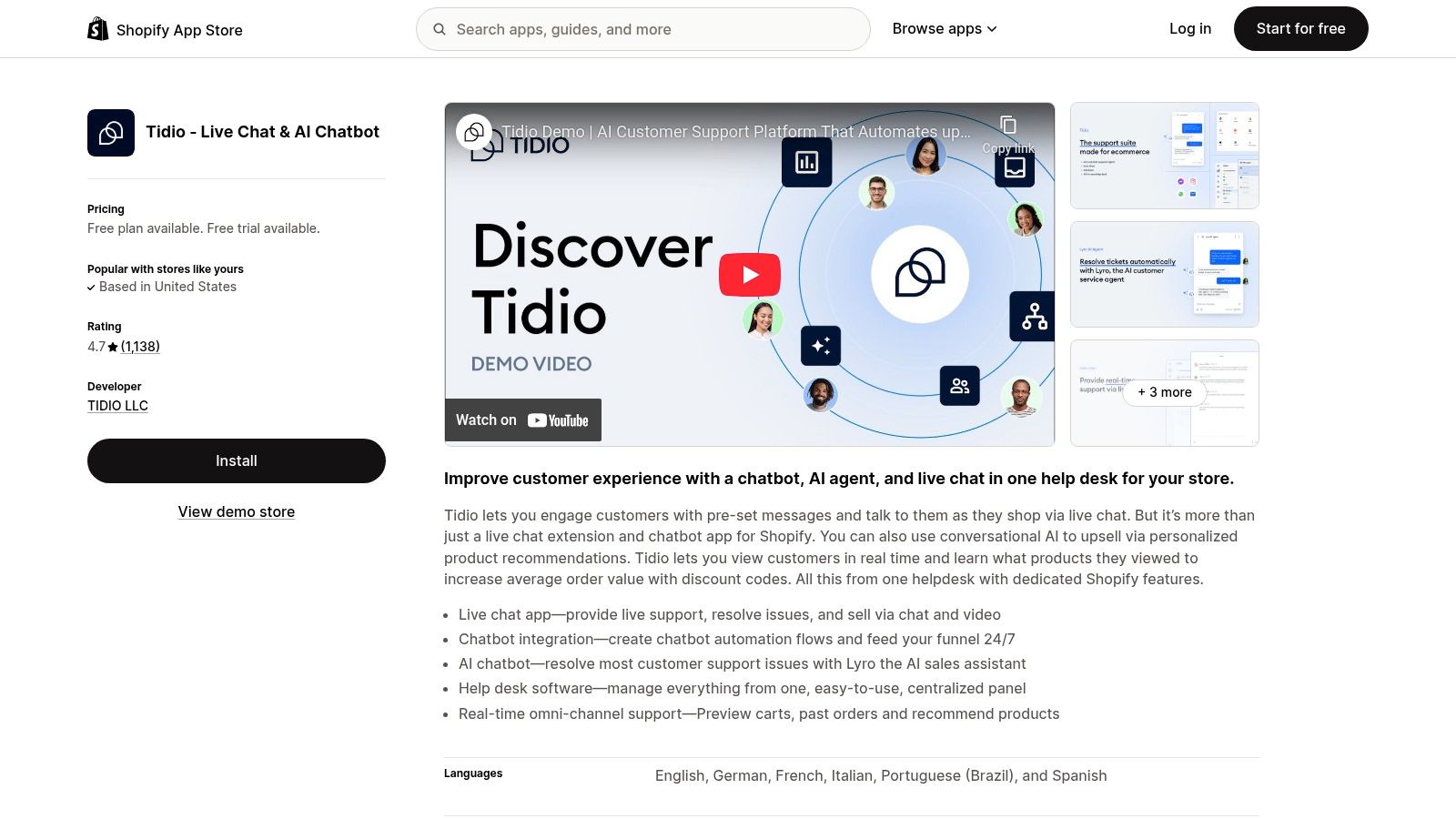
The platform combines Lyro AI with live chat and proactive automation flows, allowing businesses to engage visitors, recover abandoned carts, and offer discounts automatically. Tidio offers a free plan to get started, with paid tiers that provide more AI conversations and advanced features. This accessibility and clear pricing structure make it a top choice for small support teams looking to implement a sophisticated AI solution without a heavy upfront investment.
Key Features & Considerations
- Ecommerce Focus: Lyro AI includes native Shopify actions to check order status and manage customer queries.
- Hybrid Model: Blends AI chatbot capabilities with live chat and automated playbooks for a complete engagement tool.
- Ease of Use: Can be deployed quickly on a Shopify store with minimal technical expertise.
- Integrations: Connects with key ecommerce tools like Klaviyo and Zapier to streamline workflows.
Best Use Case: Shopify-based ecommerce stores and small DTC brands that need an easy-to-deploy AI chatbot to handle repetitive customer service questions, automate sales engagement, and provide 24/7 support.
Practical Tip: Leverage Tidio's website scraper to train Lyro on your FAQ page instantly. This accelerates setup and ensures the bot provides accurate, brand-consistent answers from day one, freeing up your team to handle more complex issues.
| Pros | Cons |
|---|---|
| Fast to deploy on Shopify with a free plan | Pricing is conversation-capped, may require upgrades as you scale |
| Transparent, SMB-friendly pricing tiers | Best suited for ecommerce, less so for complex B2B workflows |
| Combines AI, live chat, and marketing automation | Advanced analytics are reserved for higher-tier plans |
Website: https://apps.shopify.com/tidio-chat
Top 12 AI Customer Support Agents — Comparison
| Product | Core features | Telephony & Voice | UX quality (★) | Pricing & Value (💰) | Target & USP (👥 ✨🏆) |
|---|---|---|---|---|---|
| Intercom | AI-first agent (Fin), unified inbox, automation, reporting | Phone/SMS/WhatsApp supported — telephony incurs extra costs | ★★★★☆ | 💰 Per-resolution AI + variable telephony fees | 👥 SMB → Midmarket · ✨ Fast setup, broad integrations · 🏆 Easy time-to-value |
| Zendesk | Omnichannel ticketing, knowledge, analytics, Copilot add-ons | Integrates with contact centers/voice via apps & partners | ★★★★☆ | 💰 Complex packaging; add-ons raise TCO | 👥 Midmarket → Enterprise · ✨ Mature ecosystem · 🏆 Enterprise compliance |
| Freshdesk (Freshworks) | Ticketing, Freddy AI sessions, Copilot for agents | Chat/email/phone channels available (add-ons) | ★★★★☆ | 💰 Free tier + add-on pricing (session‑based) | 👥 SMBs · ✨ Low barrier to start, flexible buys · 🏆 SMB-friendly |
| Ada | Omnichannel AI, multi-LLM orchestration, playbooks, analytics | Strong voice automation & multilingual support (50+ langs) | ★★★★★ | 💰 Sales-led enterprise pricing | 👥 Enterprise/global brands · ✨ Playbooks & governance · 🏆 Scale & multilingual depth |
| Forethought | SupportGPT, agent assist, QA, knowledge-gap detection | Omnichannel; voice & advanced flows at higher tiers | ★★★★☆ | 💰 Quote-based; usage/overages per contract | 👥 Enterprise support teams · ✨ Strong agent-assist + insights · 🏆 Automation + QA combo |
| Kustomer (by Meta) | Unified timeline, AI for customers & reps, flexible data model | Native support for SMS/voice integrations; CPC options | ★★★★☆ | 💰 Per-engaged-conversation AI; seat minimums | 👥 DTC/ecommerce & contact centers · ✨ Unified CX timeline · 🏆 Clear AI add-ons |
| LivePerson | Multichannel messaging, orchestrator, agent assist, APIs | Broad channel coverage incl. voice connectors | ★★★★☆ | 💰 Plan/quote-driven; requires admin resources | 👥 High-scale messaging brands · ✨ Bot connectors & orchestration · 🏆 Channel breadth |
| Google Dialogflow CX | Visual flow builder, stateful agents, Agent Assist | Telphony + chat integrations; contact center pairing | ★★★★☆ | 💰 Transparent usage-based text/audio pricing | 👥 Builders & contact centers · ✨ Visual flows & reliability · 🏆 Google Cloud scale |
| Amazon Lex | NLU + ASR/TTS, integrates with Amazon Connect, marketplace bots | Deep tie to Amazon Connect for voice contact centers | ★★★☆☆ | 💰 Pay-as-you-go; Free Tier credits | 👥 Dev teams & AWS customers · ✨ AWS integration & marketplace · 🏆 Flexibility to DIY or buy |
| Microsoft Copilot Studio | Low-code agent builder, Power Platform connectors | Integrates with Teams and MS voice channels | ★★★★☆ | 💰 Capacity packs / metered credits | 👥 Microsoft-centric enterprises · ✨ Tight M365/Teams integration · 🏆 Extends Copilot ecosystem |
| Salesforce Service Cloud (Agentforce) | AI-augmented case resolution, routing, templates | Deep CRM + contact center integrations | ★★★★★ | 💰 Flex Credits / Agentforce add-ons; enterprise TCO | 👥 Enterprise & CRM-driven orgs · ✨ Deep data context · 🏆 Best for authenticated CRM workflows |
| Tidio (Shopify App) | Lyro AI chatbot, live chat, Shopify native actions | Primarily chat; limited/notable voice support | ★★★☆☆ | 💰 Free plan + conversation-capped tiers | 👥 Small DTC Shopify stores · ✨ Fast Shopify deploy, native actions · 🏆 SMB ecommerce fit |
How to Integrate Your New AI Agent with SnapDial
Choosing from this list of the best AI agents for customer support is a significant first step, but the journey to a truly transformed customer experience doesn't end with a software subscription. The real value is unlocked when your chosen AI becomes a fully integrated, intelligent hub within your existing communication stack. For businesses built around a modern cloud PBX like SnapDial, this integration is not just a feature; it's the foundation of a genuinely omnichannel support strategy.
As we've explored, the landscape of AI agents is diverse. Platforms like Intercom, Zendesk, and Tidio offer powerful, all-in-one solutions that excel in digital channels. Meanwhile, specialized tools like Ada and Forethought provide deep, AI-first automation that can resolve a high percentage of inquiries without human intervention. For those needing maximum control and customization, developer-centric platforms from Google, Amazon, and Microsoft offer unparalleled flexibility.
The crucial takeaway is this: the "best" agent is the one that aligns with your specific operational needs, technical capabilities, and, most importantly, your customer's expectations. Your decision-making process should be a strategic exercise, not just a feature comparison.
Your Roadmap to Successful AI Integration
To move from selection to successful implementation, you need a clear action plan. The most effective deployments are methodical and customer-centric.
Here are the essential steps to guide you:
Define Your Core Use Case: What is the single biggest problem you want to solve? Is it reducing call volume, providing 24/7 support, automating lead qualification, or deflecting repetitive tickets? Answering this question will narrow your choices significantly. A small e-commerce store using Tidio might focus on cart abandonment, while a call center using Zendesk will prioritize ticket deflection and IVR integration.
Audit Your Existing Workflows: Map out your current customer journey. Where are the friction points? Where do human agents spend most of their time? Identify the precise moments an AI agent can intervene to add value, whether it's answering a simple "Where is my order?" query or intelligently routing a complex billing call to the right department through your SnapDial system.
Evaluate Integration Capabilities: This is where the rubber meets the road. Your AI agent must communicate seamlessly with your core systems. Critically assess its ability to connect with your CRM (like Salesforce), your helpdesk software, and your telephony provider. For SnapDial users, look for platforms that offer robust telephony and IVR integrations, such as Google Dialogflow CX or Freshdesk, to ensure voice and digital channels operate as one unified system.
Start Small and Iterate: Avoid a "big bang" rollout. Launch your AI agent with a limited scope, perhaps handling the top three most common customer questions. Measure its performance, gather feedback, and use those insights to train the model and expand its capabilities gradually. This iterative approach minimizes risk and builds internal confidence in the new technology.
The Final Word: Augmenting, Not Replacing, Human Touch
Ultimately, implementing one of the best AI agents for customer support is about empowerment. It's about freeing your skilled human agents from monotonous, repetitive tasks so they can focus on high-value, complex interactions that require empathy, critical thinking, and a personal touch. When your AI agent handles the initial triage, answers common questions, and seamlessly escalates calls over your SnapDial phone system, it creates a powerful synergy.
This strategic blend of AI efficiency and human expertise is the future of customer service. It enables you to deliver faster, smarter, and more personalized support at scale, turning your customer service function from a cost center into a powerful engine for customer loyalty and business growth. The tools are ready; the opportunity is yours to seize.
Ready to unify your communications and create a seamless home for your new AI agent? SnapDial provides a powerful, cloud-based PBX system that integrates perfectly with leading support tools, ensuring your voice channel is as intelligent as your digital ones. Learn how SnapDial can become the communication backbone for your AI-powered customer support strategy.