
At 8:07 a.m., the front desk phone is ringing, a sales rep cannot access voicemail from home, two meeting links have changed, and a client is asking why yesterday's after-hours call never reached the on-call team. In many offices, the person expected to sort that out is the office administrator.
That job still includes scheduling, records, visitors, vendors, and the daily discipline that keeps an office usable. It also now sits much closer to communications operations than many job descriptions admit. The modern office administrator often becomes the practical owner of reachability: who can be contacted, how requests are routed, where messages land, and what happens when a tool fails during a normal workday.
The difference shows up fast in hybrid teams and multi-site businesses. An admin is often the first person to notice missed handoffs between reception and sales, gaps in shared inbox coverage, extensions that were never assigned correctly, and call flows that made sense six months ago but no longer match the way the business works. Those are operational problems, but they are also customer experience problems and revenue problems.
That is why office administrator responsibilities deserve a more current frame. The role is no longer limited to clerical support. It often includes setting standards for communication tools, coordinating with IT and vendors, documenting processes, controlling access, training staff, and using reporting to spot friction before it turns into complaints. If your team is reviewing a hosted VoIP business phone system, the admin's input affects far more than setup. It affects response times, accountability, coverage, and cost.
The sections that follow focus on the responsibilities that matter most in a communications-heavy office. They reflect how experienced admins work: balancing people, process, and technology so the business stays reachable, organized, and easier to run.
1. Managing Communication System Infrastructure and Setup
Most businesses notice their phone system only when it fails. The office administrator usually notices it before that, because they're the one dealing with dropped calls, bad handoffs, desk phones that aren't mapped correctly, and staff who don't know where calls are going. That makes infrastructure setup one of the most practical office administrator responsibilities, even if nobody calls it that.
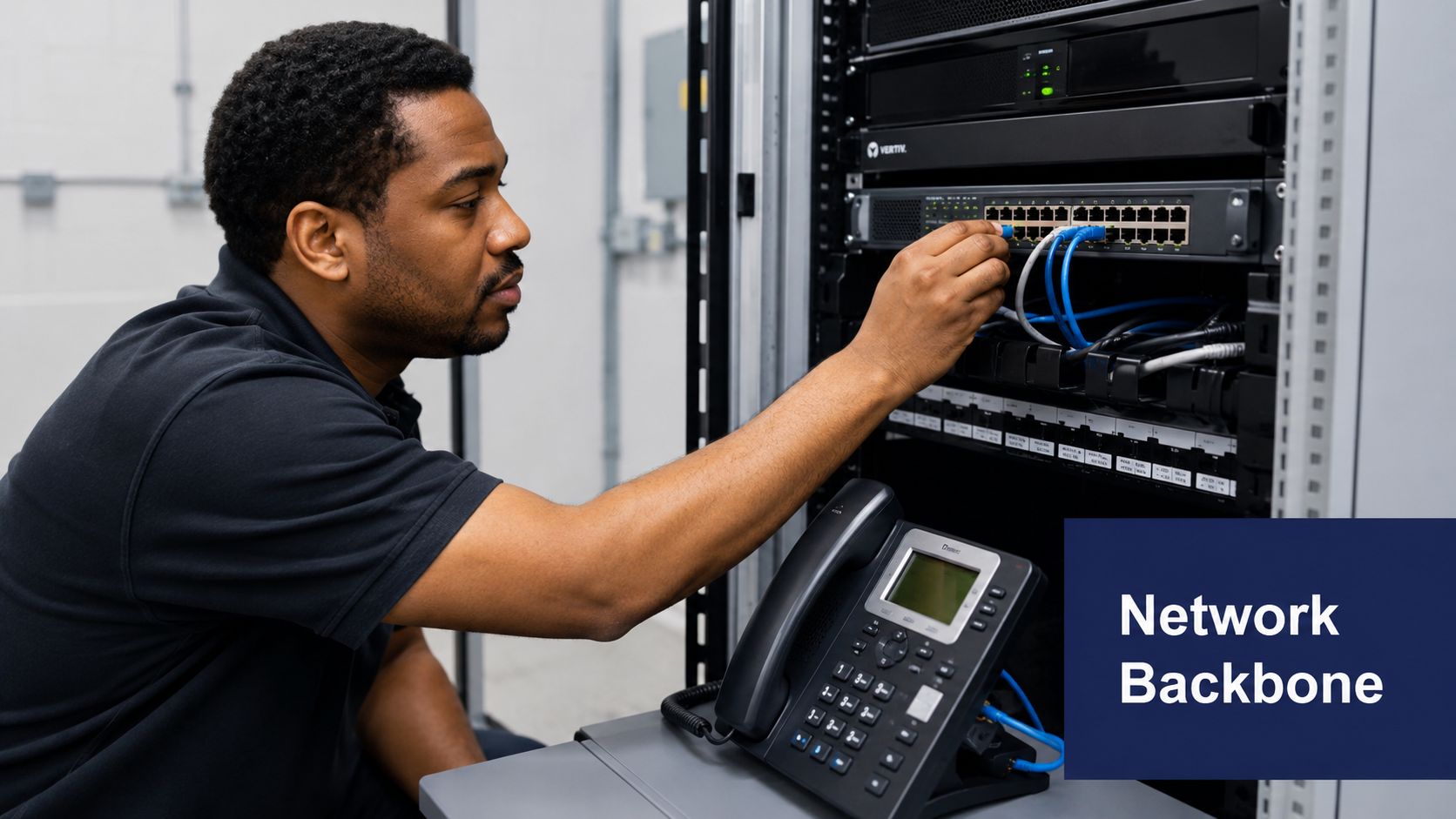
A modern admin often coordinates the move from an aging on-premises PBX to a cloud system, works with IT on network readiness, and makes sure each team can use the tools on day one. If you're evaluating a hosted VoIP business phone system, the essential work isn't just buying licenses. It's documenting extensions, mapping call flows, confirming internet capacity, and deciding what happens when a branch office loses connectivity.
What good setup actually looks like
The best migrations are boring. Phones register correctly. Staff log in once. Calls route where people expect. Nobody has to invent workarounds with personal mobiles.
What doesn't work is treating deployment like a vendor-only project. Admins need a seat in the process because they know who answers first, which departments share coverage, and where communication breaks down during lunch, travel, or hybrid schedules.
- Audit current reality first: List every main number, direct line, hunt group, voicemail box, and after-hours path before you change anything.
- Migrate during a quieter window: Early mornings, late afternoons, or slower business periods reduce avoidable disruption.
- Document user settings: Keep a simple record of extensions, device assignments, forwarding rules, and voicemail preferences.
Practical rule: If the call flow only exists in one person's head, the system isn't ready.
A good setup also accounts for growth. The office administrator who plans for new hires, temporary staff, shared reception coverage, and remote access saves the company from rebuilding the system every few months.
2. User Account Management and Access Control
User provisioning looks simple until it isn't. Someone needs an extension, mobile app access, shared voicemail rights, and permission to see recordings or call logs. Someone else leaves abruptly and still has active access in three places. These are the kinds of gaps that create confusion and security problems fast.
Modern office administrator responsibilities often include managing who gets access to what within the communication platform. That means creating accounts, assigning numbers, setting roles, limiting permissions, and making sure offboarding happens immediately. In many offices, the admin is the only person with a complete view of front desk coverage, executive assistants, department managers, and shared service lines.
Access should follow the role
A receptionist doesn't need the same permissions as a finance manager. A sales lead may need mobile calling and queue visibility, while a general office user may only need desk phone and voicemail access. Good admins build access around actual work, not around convenience.
That discipline matters because office administrators now function as a central communications hub. Their work commonly includes call handling, email triage, scheduling, visitor intake, recordkeeping, and routing requests to the right owner, making the role an operational control point rather than a purely clerical position, as noted by 4 Corner Resources on office administrator job scope.
- Standardize naming conventions: Keep extension labels and user IDs consistent so directories stay clean.
- Tie permissions to job function: Shared voicemail, recording access, and routing control should match actual responsibilities.
- Run regular access reviews: Check for former staff, duplicate users, and people holding permissions they no longer need.
I've seen teams lose hours because nobody knew who controlled a department voicemail box. Clean access management prevents that kind of invisible drift.
3. Call Routing and Auto Attendant Configuration
Call routing is where office administration becomes visibly strategic. When callers reach the right person quickly, the business feels organized. When they hit a loop, dead-end voicemail, or a menu with too many options, the business feels careless.
A strong office administrator treats routing like customer experience design. That means building clear menus, mapping backups, and deciding what should happen during lunch breaks, after hours, holidays, and remote-work days. A capable business auto attendant system helps, but the value comes from how it's configured.

Keep the menu short and the fallback smarter
Most auto attendants fail for the same reason: they try to mirror the org chart instead of the caller's intent. Customers don't care which internal team owns the process. They care about reaching sales, support, billing, or a real person.
A better approach is to build routing around common needs, then add backup rules when nobody answers.
- Limit top-level options: Fewer choices reduce confusion and bad transfers.
- Create after-hours logic: Send urgent calls to on-call coverage, not to a mailbox nobody checks until morning.
- Test every path: Call each menu option yourself after changes. Don't assume it works because the portal says it does.
Most missed calls aren't caused by volume. They're caused by sloppy routing, unclear ownership, or no backup path when the first person is unavailable.
Hybrid work changes the job. Standard descriptions still mention phones, email, visitors, scheduling, records, and basic bookkeeping, but they often miss how missed calls, fragmented communication, and remote handoffs affect office throughput, as discussed in Indeed's office administrator job description guidance. In real offices, routing isn't clerical. It's continuity.
4. Call Recording, Compliance, and Quality Assurance
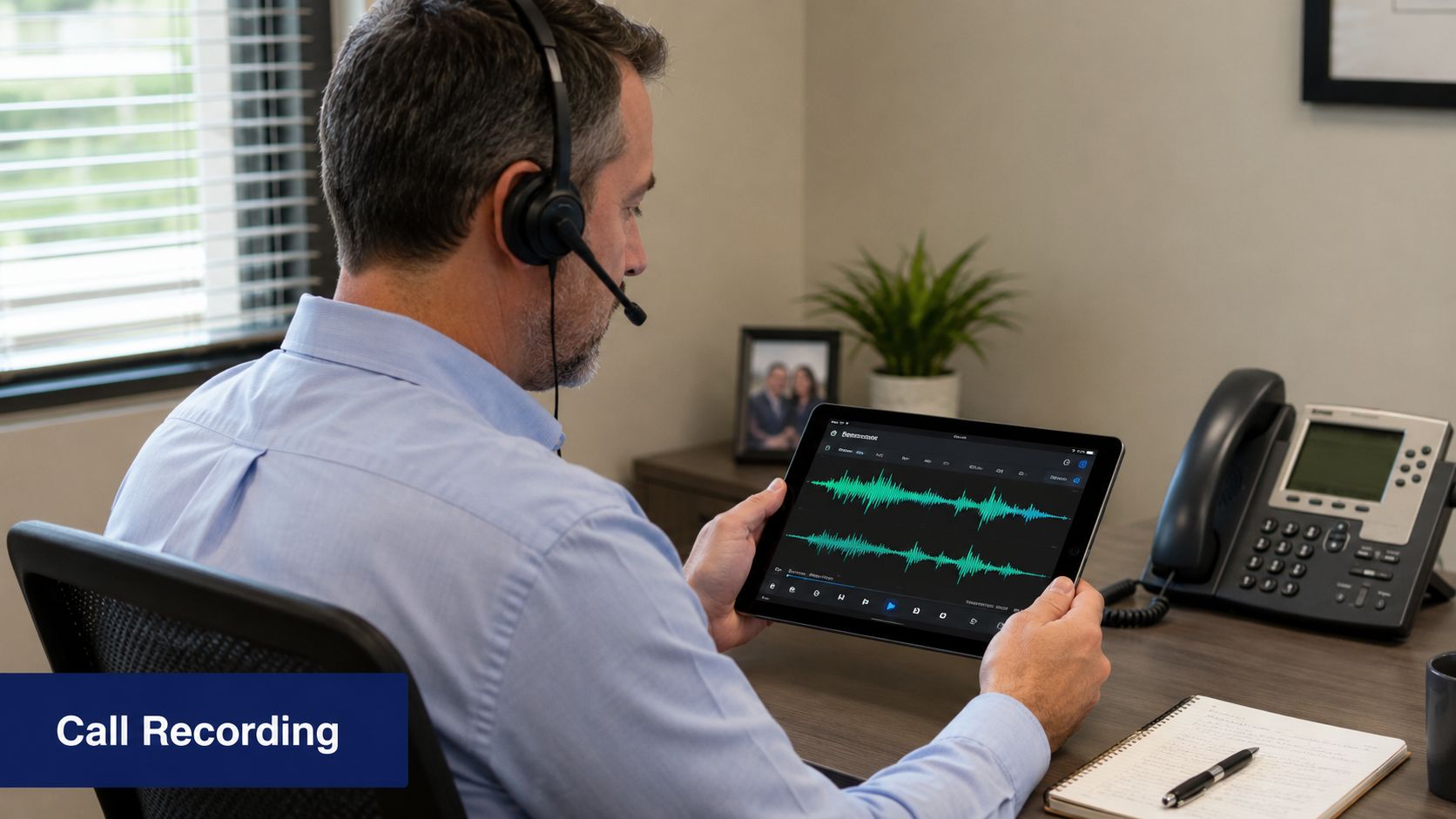
Call recording can help with training, dispute resolution, and service consistency. It can also create risk if no one controls access, retention, or consent practices. That's why this part of office administrator responsibilities needs process, not just a switch turned on in the phone system.
In many organizations, the admin coordinates with leadership, IT, and legal or compliance staff to define who can record, who can retrieve recordings, and how long those records stay available. If your team uses business call recording tools, don't leave those settings at platform defaults and hope for the best.
Record with a purpose
Blanket recording without a use case usually turns into clutter. The better approach is to decide why you're recording in the first place. That might be training new staff, documenting sensitive conversations, or reviewing how calls are transferred and handled.
What works is restricting access and giving managers a simple review workflow. What doesn't work is allowing broad access because it feels convenient in the moment.
- Set clear permissions: Managers may need playback access. Most staff don't.
- Define a retention routine: Keep recordings only as long as the business and compliance requirements justify.
- Use recordings for coaching: Review real handoffs, greeting quality, and escalation language with staff.
Another operational reality often gets overlooked. In some settings, the office administrator's role stretches beyond support into light finance, records, customer response, and compliance coordination. Randstad notes that office administrators may handle payroll, invoicing, purchasing, records, and customer inquiries, and that scope can expand sharply by industry and employer size, as outlined in Randstad's office administrator profile. Recording policies sit right inside that expanded responsibility set.
5. Voicemail Management and Message Systems
Voicemail isn't glamorous, but it's still one of the clearest indicators of whether an office is buttoned up. A stale greeting, a full mailbox, or messages trapped in one desk phone can damage responsiveness all week.
Modern admins don't just set up mailboxes and move on. They standardize greetings, decide which messages should go to email, and build shared voicemail coverage for front desk, support, or billing lines. That's especially important when employees split time between the office, home, and client sites.
Treat voicemail like a queue, not a dead end
A personal voicemail box can work for individual contributors. It usually fails for shared functions. Main line calls, service requests, and urgent client questions need visibility beyond one person.
I've had the best results when teams separate voicemail into two categories: personal boxes for individual follow-up and group mailboxes for business-critical lines. That keeps shared requests from disappearing when someone is out sick or traveling.
- Refresh greetings regularly: Update holiday schedules, seasonal hours, and temporary closures.
- Enable voicemail-to-email where it helps: Busy departments respond faster when messages land in the tools they already monitor.
- Create shared mailboxes carefully: Assign ownership so group inboxes don't become everybody's problem and nobody's job.
A voicemail box without an owner is just a slower version of a missed call.
The trade-off is that more message visibility creates more responsibility. Once voicemail reaches shared inboxes or mobile apps, the admin needs rules for response time, escalation, and deletion so the system stays useful instead of messy.
6. Device and Hardware Management
Software gets the attention. Hardware causes the daily complaints. A poor headset, an aging handset, or a badly provisioned conference phone will undermine even a good calling platform.
This is why office administrator responsibilities often include selecting, assigning, and maintaining communication devices. In smaller firms, the admin may order every desk phone and headset. In larger ones, they may manage inventory, replacement cycles, and coordination with IT. Either way, someone has to decide who gets what, how it gets tracked, and what happens when something fails.

Standardize by role, not by preference
Not every employee needs the same device. Reception may need sidecar support and visible line status. Executives may want touchscreen models and mobile continuity. Call-heavy teams need reliable noise-canceling headsets more than premium desk aesthetics.
What doesn't work is letting everyone request a different model because it creates support headaches and inconsistent training.
- Build a device matrix: Match role types to approved phones, headsets, and accessories.
- Keep spares on hand: Replacing failed hardware quickly matters more than squeezing every extra month from old equipment.
- Track assignments: Record serial numbers, user names, locations, and replacement history.
Firmware updates and provisioning should also be controlled, not improvised. The admin who coordinates changes with IT and tests on a small set of devices first avoids office-wide confusion.
7. Reporting, Analytics, and Performance Monitoring
A communication system generates more operational insight than most admins are encouraged to use. Call logs, queue activity, missed-call patterns, voicemail activity, and user behavior all reveal where the office is working and where it isn't.
The office administrator who reads those patterns can fix problems before managers even notice them. A billing line that goes unanswered at lunch. A support queue that spikes on certain days. A front desk transfer pattern that suggests callers can't find the right department on the first try.
Metrics that actually help
The best reporting starts with service questions, not dashboard vanity. Are callers reaching the right team? Are messages being returned? Are some departments overloaded while others have capacity?
Useful review points usually include:
- Missed-call trends: Look for recurring timing or department issues.
- Transfer patterns: Frequent re-routing usually means the menu or ownership is unclear.
- Queue pressure: Long waits often indicate a staffing or routing issue, not just busy periods.
- Voicemail response gaps: If a line generates many messages and little follow-up, the process needs work.
A practical reporting routine is simple. Review live issues daily, review recurring trends weekly, and bring only the most actionable findings to leadership monthly. Teams often don't need more data. They need cleaner interpretation and faster decisions.
The point of reporting isn't to prove the phone system is busy. It's to show where the business is hard to reach.
When admins present communication data this way, they're no longer just maintaining systems. They're helping shape staffing, scheduling, and customer response standards.
8. Business Continuity and Disaster Recovery Planning
A storm knocks out the office internet at 8:10 a.m. Reception cannot log in. The front desk phones are down. Clients still call the main number expecting a person, not an outage message. In that moment, business continuity is a communication job first, and the office administrator often owns the playbook.
This part of the role has changed. A modern admin is not only protecting a physical office. They are protecting call flow, staff availability, approval paths, and customer access across desk phones, mobile apps, softphones, and shared inboxes. If your communications stack includes VoIP or unified communications, continuity planning becomes less about whether calls can be forwarded and more about whether the business has decided who answers, who approves changes, and how quickly the switch happens.
Build for failure before you need it
Good continuity plans assume a real operating mess. Power loss. ISP outage. Locked building. Reception absence. A manager on a flight while the main line starts failing over to the wrong queue.
The practical questions are simple:
- Where does the main number route during an outage?
- Who can change routing if the primary admin is unavailable?
- Which team covers first-line calls if reception is offline?
- How do staff answer from mobile or browser-based tools outside the office?
- Where are emergency contacts stored if the phone system admin portal is inaccessible?
The technical setup matters, but the operating decision matters more. I have seen companies pay for failover features and still miss calls because no one assigned ownership once the failover rule activated.
Continuity planning should cover people, tools, and timing
The strongest plans usually include a short written runbook and a live test schedule. That keeps the process usable under pressure.
- Set emergency routing rules in advance: Pre-build outage modes for weather closures, internet failure, and after-hours overflow.
- Keep an offline contact list: Store key numbers, vendor contacts, and escalation paths outside the phone platform.
- Confirm remote answering works: Test mobile apps, laptop softphones, and backup devices with actual users, not just IT.
- Assign backup decision-makers: At least one alternate should be able to approve reroutes, record temporary greetings, and notify staff.
- Update public messaging fast: Main greetings, voicemail prompts, and team instructions should match the actual service status.
One trade-off is worth stating plainly. The more elaborate the continuity plan, the less likely staff are to follow it during a real outage. A shorter plan with clear routing priorities usually performs better than a detailed document nobody can use under time pressure.
Test it quarterly if the business depends heavily on inbound calls. Run a short scenario. Office internet down. Front desk unavailable. Sales manager traveling. See whether the call path, backup coverage, and customer message still hold up. That is how office administrators turn communications systems from a point of failure into operational insurance.
9. Cost Management and System Optimization
Cost control isn't about cutting features blindly. It's about paying for the system the business uses and making sure it replaces enough manual work to justify itself.
Office administrators often sit closest to that reality. They see which numbers still matter, which lines are legacy leftovers, which departments need more flexibility, and which features nobody touches. That makes cost optimization one of the most underrated office administrator responsibilities.
Spend less by cleaning up complexity
The easiest way to overspend is to layer new tools on top of old habits. A company keeps local lines it no longer needs, maintains separate voicemail practices by department, and pays for hardware that doesn't match how people now work.
A smarter review focuses on usage, overlap, and administrative friction.
- Remove duplicate services: Old forwarding numbers, unused devices, and legacy lines add cost without adding coverage.
- Align licenses to real users: Shared roles and occasional users may need different setups from daily call-heavy staff.
- Review renewals early: Contract inertia is expensive. Admins who review before renewal dates usually have more negotiating power and better options.
What works is bringing finance a short, practical story. Which tools are redundant, which workflows improved, and which costs remain because they support reliability. What doesn't work is framing every discussion as a tech upgrade. Executives fund business outcomes, not feature wish lists.
10. Staff Training and End-User Support
A communication system fails subtly when users don't understand it. They stop transferring correctly, avoid the mobile app, ignore voicemail notifications, or work around the platform with personal numbers. Then leadership blames the system when the underlying problem is adoption.
That's why training belongs squarely inside office administrator responsibilities. The admin usually knows which roles struggle with transfers, which managers forget to update greetings, and which new hires need help setting up mobile calling on day one.
A short training asset can make a big difference for onboarding and refresher support:
Support users in the format they'll actually use
Many won't read a long manual. They will use a one-page quick-start guide, a short recorded walkthrough, or a checklist sent when they join the company. Training has to fit the pace of the workplace.
The best support models are role-based. Reception needs transfer and queue training. Executives need mobile and voicemail support. Managers need enough system knowledge to request changes correctly and coach their teams.
- Create one-page guides: Cover login, voicemail, transfers, forwarding, and common fixes.
- Train during onboarding: Don't wait until the first missed client call to explain the system.
- Build a known-issues log: Repeating fixes should become documented answers, not repeated interruptions.
Good training reduces support tickets, but more importantly, it makes the office easier to reach.
When admins own user support well, the business gets more value from every communication tool it already pays for. Staff feel more confident, customers get faster answers, and small system issues stop becoming operational problems.
Office Administrator: 10-Point Responsibilities Comparison
| 🔄 Implementation Complexity | ⚡ Resource Requirements | 📊 Expected Outcomes | 💡 Ideal Use Cases | ⭐ Key Advantages |
|---|---|---|---|---|
| Managing Communication System Infrastructure and Setup, High (network & migration) | Moderate–High: network upgrades, IP phones, admin time | Unified, scalable comms with improved uptime | Multi-location firms, PBX migrations, call centers | Eliminates legacy PBX, predictable costs, scalable |
| User Account Management and Access Control, Medium (ongoing provisioning) | Low–Medium: admin effort, portal tools | Secure access, faster onboarding/offboarding | Rapid-hire teams, hybrid/mobile workforces | Centralized control, role-based security, self-service |
| Call Routing and Auto Attendant Configuration, Medium–High (IVR design & rules) | Medium: recordings, testing, IVR setup | Fewer missed calls, better customer routing & wait handling | Customer-facing businesses, retail, support centers | Smart queues, after-hours automation, load balancing |
| Call Recording, Compliance, and Quality Assurance, Medium (policy + storage) | Medium–High: storage, encryption, legal oversight | Compliance evidence, QA data, training material | Healthcare, finance, regulated call centers | Legal protection, transcription, secure retrieval |
| Voicemail Management and Message Systems, Low–Medium (setup & policies) | Low: storage, portal configuration, mobile access | Faster message access, better follow-up rates | Executives, sales teams, multi-office orgs | Visual voicemail, transcription, email integration |
| Device and Hardware Management, Medium (procurement & lifecycle) | High: hardware costs, inventory, firmware testing | Consistent UX and reliable endpoint performance | Call centers, executive offices, video collaboration | HD voice/video, standardized devices, optimized hardware |
| Reporting, Analytics, and Performance Monitoring, Medium (data handling) | Medium: dashboards, reporting tools, analyst time | Data-driven decisions, identify bottlenecks & trends | Call centers, operations, finance teams | Real-time visibility, KPI tracking, custom reports |
| Business Continuity and Disaster Recovery Planning, Medium (planning & testing) | Medium: backup ISPs, failover config, drills | Minimized downtime and maintained comms during outages | Healthcare, financial services, critical ops | Cloud redundancy, automatic failover, remote access |
| Cost Management and System Optimization, Low–Medium (audits & tuning) | Low–Medium: usage monitoring, finance coordination | Reduced TCO, clear ROI, optimized feature spend | Growing companies, multi-site consolidations | Predictable pricing, eliminate maintenance, scalable costs |
| Staff Training and End-User Support, Medium (content + delivery) | Medium–High: training creation, helpdesk staffing | Higher adoption, fewer support tickets, faster onboarding | Rapidly scaling teams, remote workforces, power users | Improved adoption, self-service resources, ongoing support |
From Task Manager to Strategic Asset
Monday, 8:07 a.m. A new hire cannot log in, the sales queue is ringing to the wrong group, yesterday's voicemail for a key client is still sitting unheard, and leadership wants to know whether the current phone setup is worth the monthly spend. In a modern office, those issues often land with the office administrator first, not because the role is clerical, but because communications now sit at the center of daily operations.
That shift changes how the job should be judged. Strong office administration is not measured by how many small tasks get cleared in a day. It shows up in whether the business stays reachable, whether access is controlled, whether handoffs are clear, and whether staff can communicate the same way from the front desk, a remote office, or a mobile device. The office administrator becomes the person who turns a collection of tools into a working system.
Unified communications platforms have raised the ceiling on what one capable admin can handle. A good administrator can provision users, set call flows, clean up voicemail ownership, adjust mobile access, review reporting, and document failover procedures without waiting on three separate teams. That saves time, but the bigger gain is consistency. Customers get answered faster. Staff know where messages go. Managers have fewer blind spots.
The trade-offs are real.
More control means more responsibility for permissions, naming standards, retention rules, and training. Cloud systems are easier to change, which also makes them easier to clutter. Shared inboxes improve coverage only when someone owns response times. Call recording supports coaching and dispute handling only when storage, access, and compliance rules are defined. I have seen systems with excellent features create daily friction because nobody set operating rules around them.
The strongest office administrators treat communications like business infrastructure. They review missed-call patterns, test after-hours routing, confirm device consistency across teams, and update workflows when the business changes. They also connect communications work to bigger operational moments, including office expansions, consolidations, and relocations. During a move, for example, physical logistics and communication continuity have to be planned together. Teams dealing with that kind of transition may also need practical support such as Emmanuel Transport office moving while the admin coordinates number routing, device readiness, and service cutover.
That is the difference between a task manager and a strategic asset. A modern office administrator protects responsiveness, reduces avoidable confusion, and gives the business a more reliable way to operate.
If you're replacing an aging PBX, trying to unify calling across locations, or need a phone system that's easier for admins to manage, SnapDial is worth a close look. It gives teams cloud PBX calling, auto attendant, call recording, visual voicemail, mobile access, reporting, and a self-service admin portal in one platform, with white-glove setup and 24/7 Texas-based support to reduce the burden on your office team.