
Your main number rings. A caller presses 2 for service, lands in a voicemail box nobody has checked since spring, and hangs up. The template didn't cause that. Somebody drew the menu around the org chart instead of around the reasons people call.
A telephone tree template is a decision record before it's a diagram. It should answer four things on one page: what happens at the main number during business hours, what happens after close, who owns each branch, and where a caller lands when nobody picks up. Miss those and the cleanest flowchart in the world still dumps people into dead ends.
The structure is old, and it was never about software. University College London's digitized British telephone directories hold 1.6 million scanned directory images covering 1880 to 1984, and the calling cascades built on those subscriber lists worked because responsibility was split across branches.
Small firms feel the gap hardest. A practice that pushes every call through one person, the way many law firm receptionists still operate, stalls the second that person is on another line.
Ten templates follow. Each fits a different calling situation, and each needs a different amount of work before a real caller touches it.
1. OnSIP Business Phone Tree Template
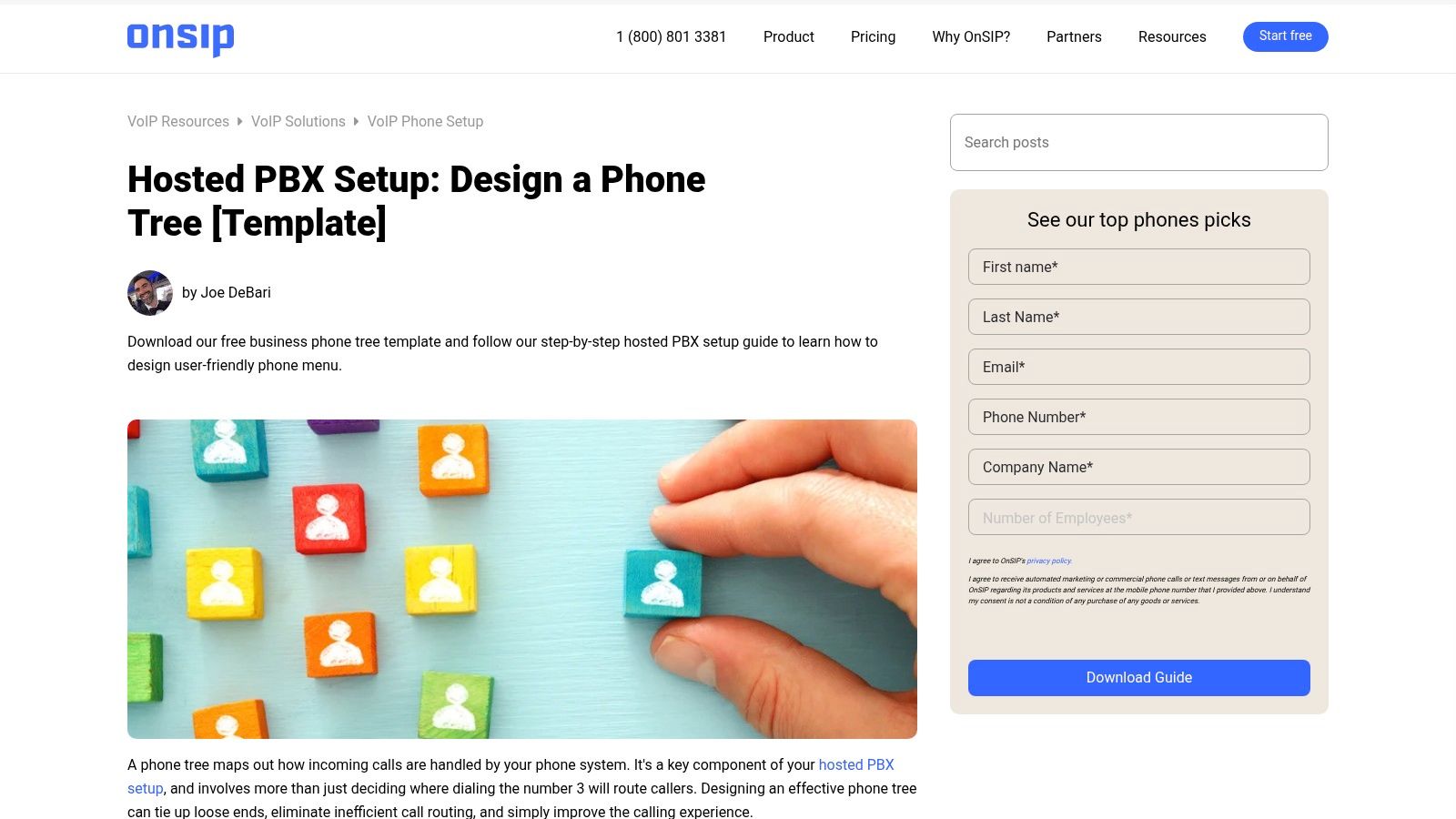
The OnSIP phone tree design worksheet is a free printable planning PDF, not a builder. That's the point. It makes you commit the main number, optional direct lines, business-hours routing, keypad choices, ring groups, and queues to paper before anyone opens an admin portal.
It fits customer-facing menus. The evidence for keeping those menus shallow is blunt: human-factors work on interactive voice-response menu design found that only 35% to 75% of callers reach the correct destination in complex menu trees, and roughly 30% of calls in one analyzed flow were abandoned or transferred straight at the main menu.
What to change before it goes live
- Name the destination, not the department: Replace "general inquiries" with the actual outcome, such as billing questions or new bookings.
- Write the greeting first: Draft it against a tight auto attendant script so the wording matches the keypad choices on the worksheet.
- Add a zero-out: Every level needs a path to a human, including the voicemail branches.
The trade-off is format. A PDF prints well and marks up badly, so once three people start editing, move the plan into a shared sheet and keep the PDF as the signed-off version.
2. Smartsheet Disaster Call Tree Template
Say a warehouse loses power at 2am. Nobody needs a keypad menu. Somebody needs to know who wakes up the shift leads.
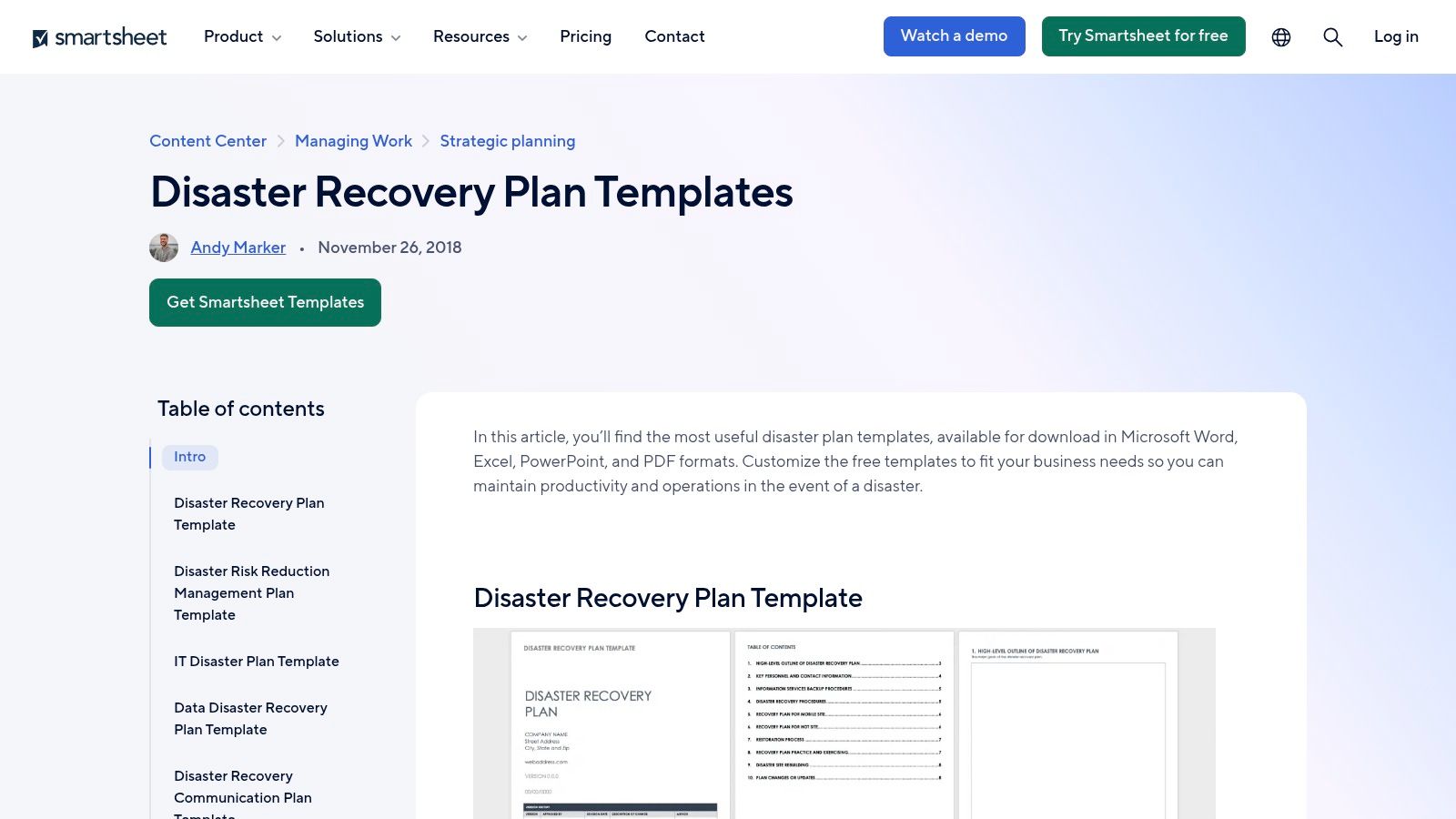
The Smartsheet disaster call tree handles that job. It names the person who activates the tree, lays out a manager-and-team hierarchy, gives multiple phone-number fields per person, and ships in Excel, Word, PowerPoint, and PDF. Pick Excel if you plan to track acknowledgement status. Pick PDF for the copy taped inside the break-room cabinet.
Manual trees aren't a nostalgia item. The Business Continuity Institute's emergency communications report found manual call trees were the second-highest-rated transmission method for certain disruption scenarios, selected by 23.9% of respondents.
Practical rule: A call tree without an acknowledgement deadline is a phone list, not a notification plan.
Add columns the download doesn't give you: incident severity, activation authority, timestamp, acknowledgement deadline, and the escalation step when someone doesn't answer. Tie the activation trigger to your backup and disaster recovery plan so the tree fires on a defined event rather than on whoever feels nervous first. It won't dial anyone for you.
3. Smith.ai Emergency Phone Tree Template
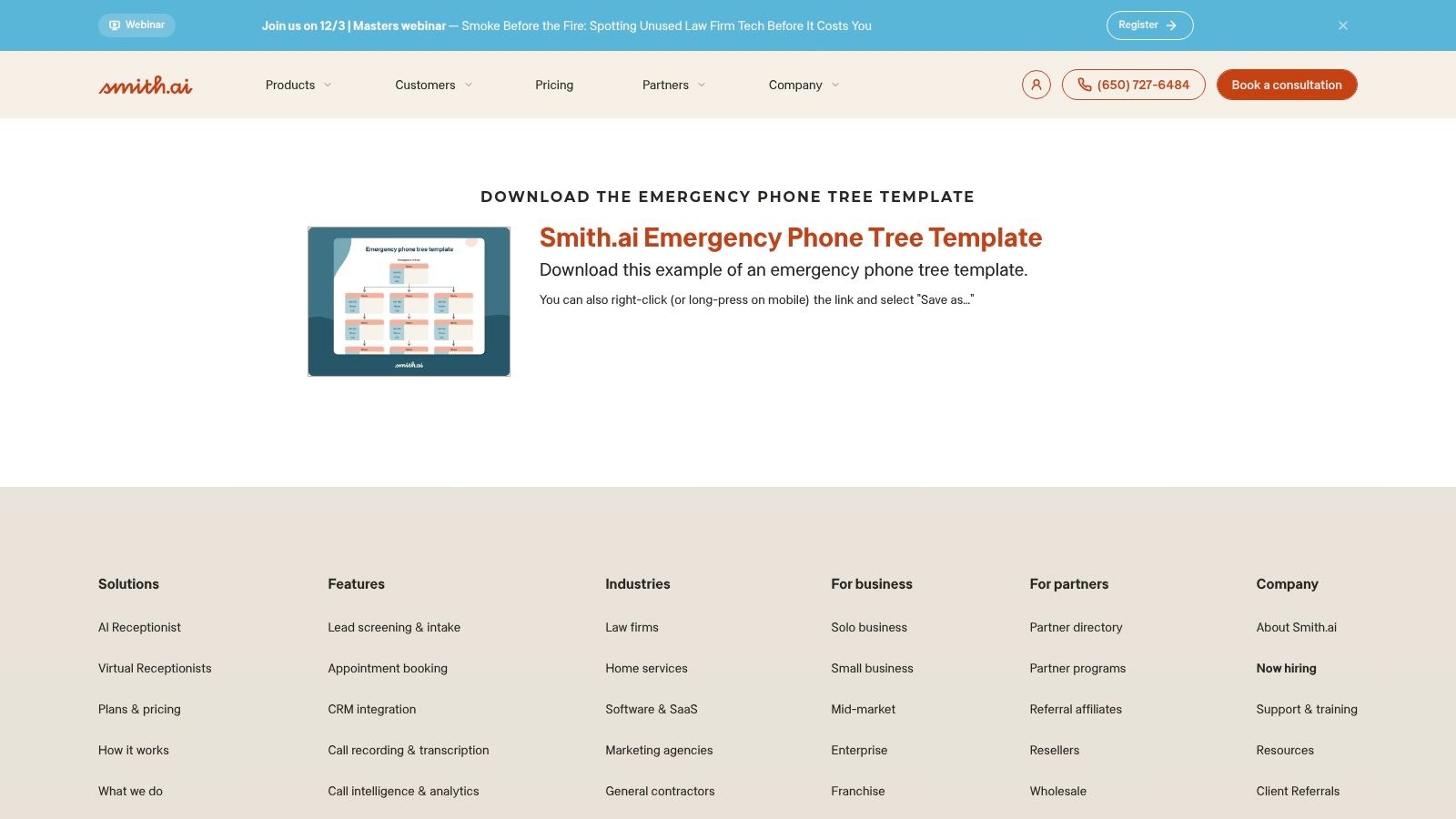
The Smith.ai emergency phone tree example is the fastest start on this list. Download, replace the sample contacts, print. For a ten-person office with one site, that's enough to begin.
It's an example, not a workflow. There's no activation authority, no reconciliation step, and no field for what happens when the first caller can't reach anyone. Confirm the file format on the page before you plan an editing session around it.
The bigger gap is accessibility, and most emergency templates share it. The International Telecommunication Union's Early Warnings for All material stresses that emergency communication must be accessible to persons with disabilities and understandable, trusted, and actionable for at-risk and marginalized groups.
Turn the chart into a register by adding four fields per person:
- Preferred channel and language: Voice, SMS, or relay service, plus the language they read fastest.
- Backup contact: A neighbor or relative who can physically reach them.
- Consent note: Who agreed to store a personal mobile, and when.
- Last tested date: The day someone reached them on that channel.
If the tree also drives your public line, keep the inbound side separate and document it in your after-hours call routing rules.
4. TemplateLab Phone Tree Templates
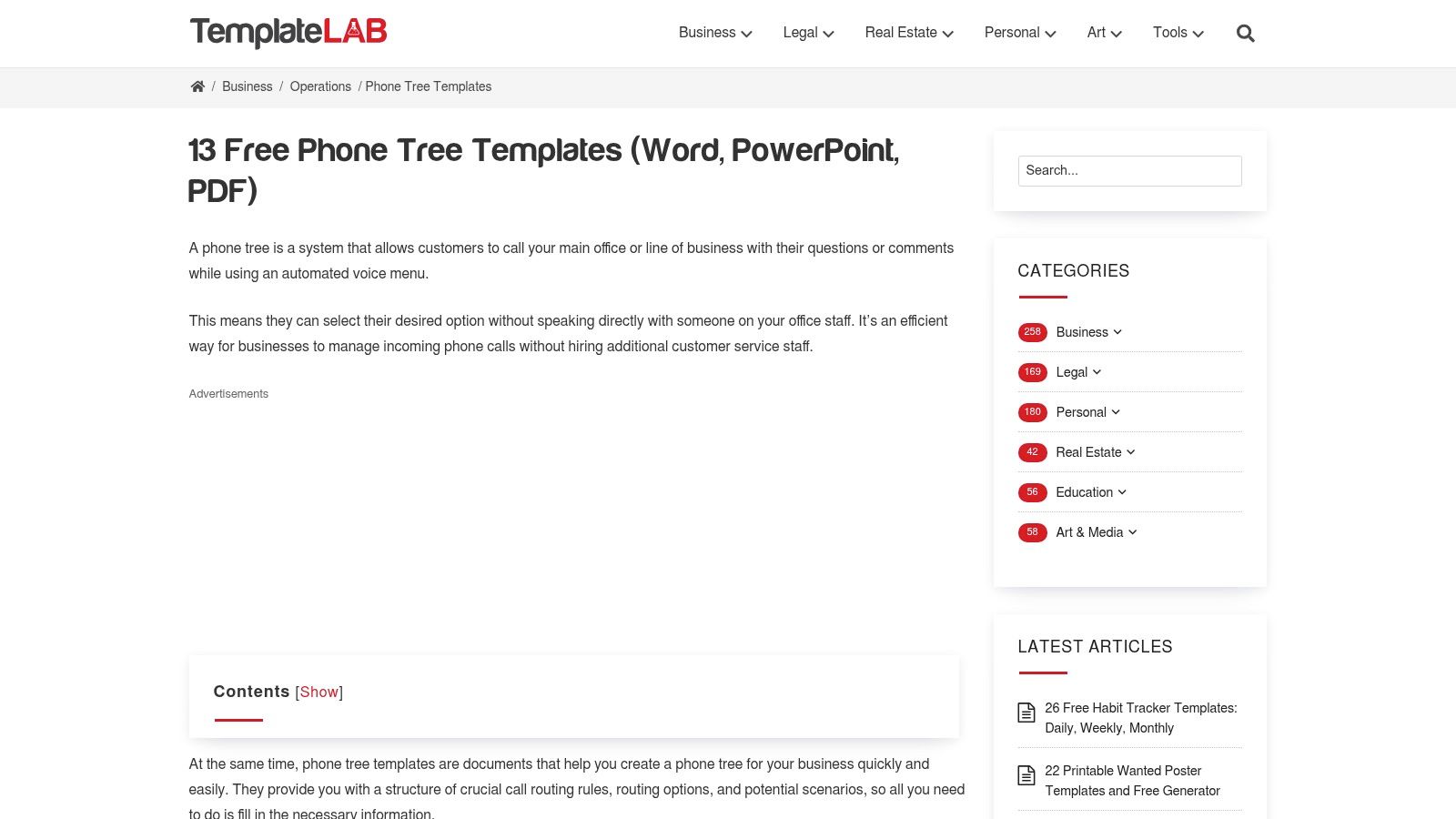
Volume is the selling point here. The TemplateLab phone tree collection carries separate layouts for emergencies, business continuity, disaster recovery, medical needs, and neighborhood watch, mostly in Word and PowerPoint with PDF on some. Comparing three structures side by side beats staring at one generic pyramid.
That variety is also the trap. The page mixes automated caller menus with human contact chains, and those are different documents. Check which one you've opened before you fill in a single name. Some downloads are marked exclusive, so access terms vary.
These layouts exist because reachable populations got big enough to need administration rather than memory. A Library of Congress history of telephone directories, citing Federal Communications Commission data, reports U.S. households with telephone service rose from 35% in 1920 to 40.9% in 1930.
A template is an answer to scale. If your whole team fits in one group chat, you don't need a cascade, you need a named owner and a deadline.
Editing time is real. Expect to rebuild the header, strip placeholder roles, and add a call-order column, because most of these files record who exists rather than who calls first.
5. BusinessFormTemplate Phone Tree
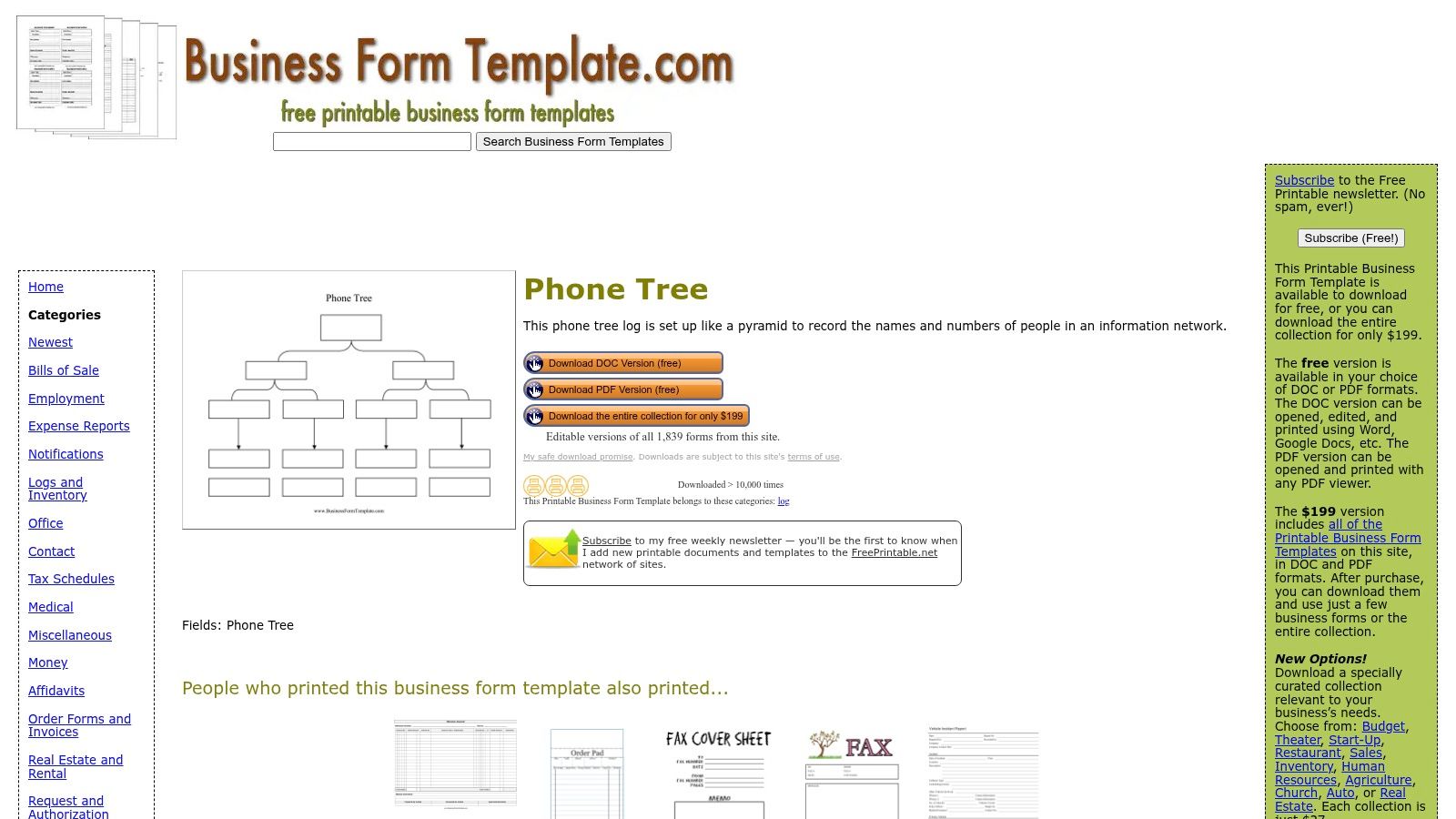
This one is honest about its scope. The BusinessFormTemplate phone tree form is a pyramid with names and numbers, editable in Word-compatible software as a DOC and printable as a PDF. Nothing else. For a volunteer group or a single-department office, that's a five-minute job.
Small static pyramids are everywhere, and they hide their failure modes. A Dial My Calls overview of phone tree templates describes a popular example built for up to 27 people, with each person calling assigned contacts. At that size the weak point isn't the layout. It's the one first-level caller who's on a flight.
Before you print it, write three things in the margin:
- Backup caller per branch: Who takes the list if the branch owner doesn't answer within a set window.
- Branch capacity: How many names one person can realistically dial and confirm.
- Duplicate rule: Who marks a name as reached so two people don't call the same household.
The site also promotes a paid collection, so read the download buttons carefully. And don't confuse this with an auto-attendant plan. It routes people, not callers.
6. Canva Flowchart Templates
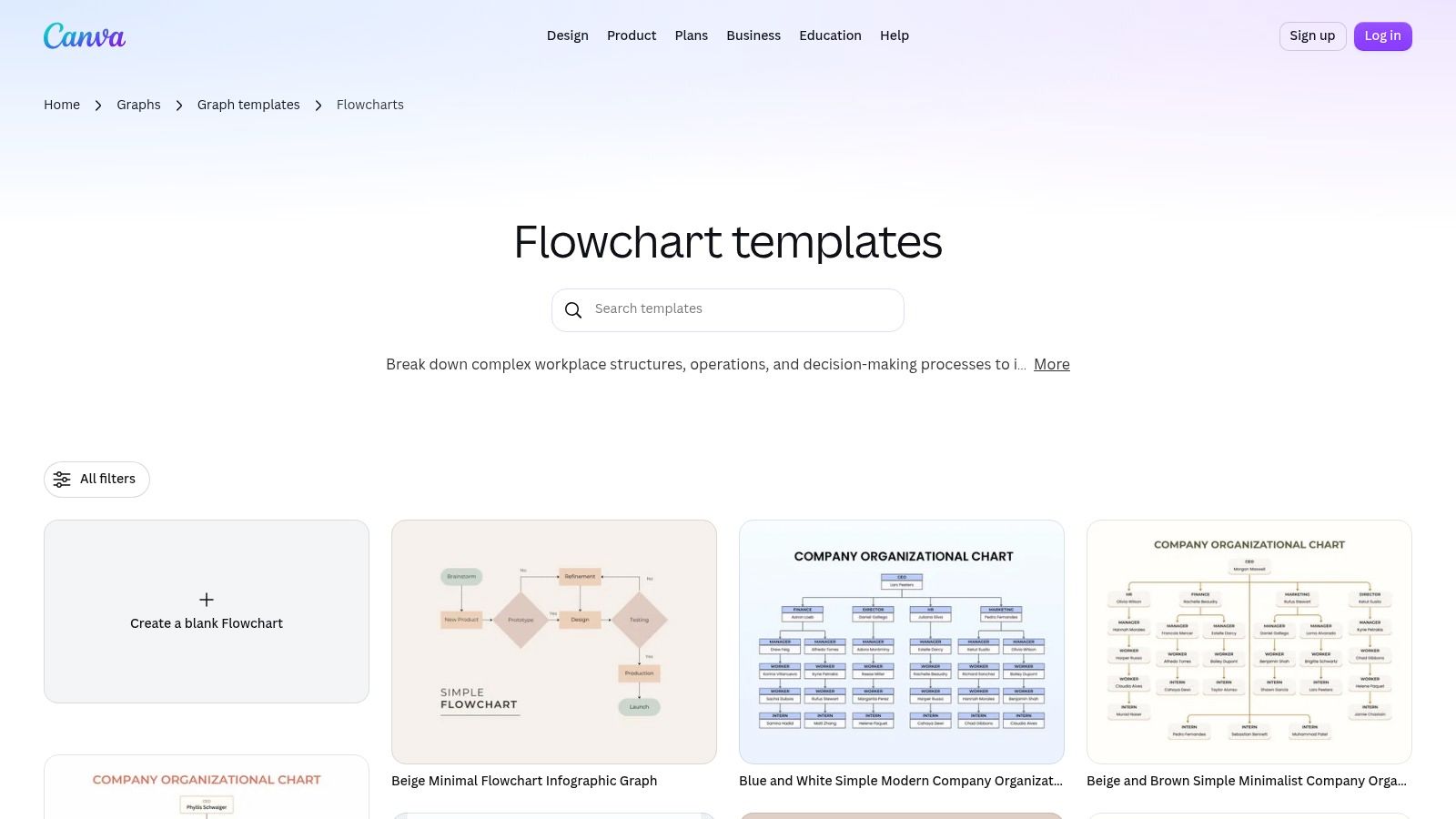
Canva earns its place at the presentation stage, not the design stage. The Canva flowchart template library gives you editable shapes, connectors, text, and colors, plus JPG, PNG, and PDF export. If you need a menu map that a non-technical owner will read, this produces the cleanest artifact of the group.
You supply all the logic. Canva has no concept of a ring group, a timeout, or an overflow destination, so every branch label and every fallback path is typed by hand.
A workable sequence:
- Draft in a sheet first: Get the keypad choices and destinations right in plain rows.
- Then draw one shape per outcome: Ring group, voicemail, external number, or recorded message.
- Color by call state: One color for business hours, another for after hours, so the split is visible at a glance.
Two limitations to plan around. Some elements and features sit behind a paid plan, and a diagram exported as PNG goes stale the moment a number changes. Put a version date in the footer and treat the image as a snapshot, never as the system of record.
7. Lucidchart Flowchart Templates
Once routing spans several departments and locations, a one-page form stops working. Lucidchart's flowchart and process templates give you real connectors, decision shapes, live collaboration, and export or print options, which is what you need when a caller can move from a main menu to a regional branch to an on-call mobile.
The strength is conditional logic. Draw the time-of-day check as an actual decision diamond with two labeled exits, then draw the no-answer path from each ring group. Most phone trees fail on those two branches, and a fixed form has nowhere to put them.
Every branch needs a named owner and a destination that exists today. A box labeled "support" is a placeholder, not a route.
Costs are worth naming. Some templates and capabilities need a paid account, and for a six-person office with one menu, Lucidchart is more tool than the problem deserves. There's also a discipline trap: teams keep polishing the diagram instead of dialing the branches. Set a rule that the drawing freezes once every destination has been called and confirmed.
8. Miro Flowchart Templates
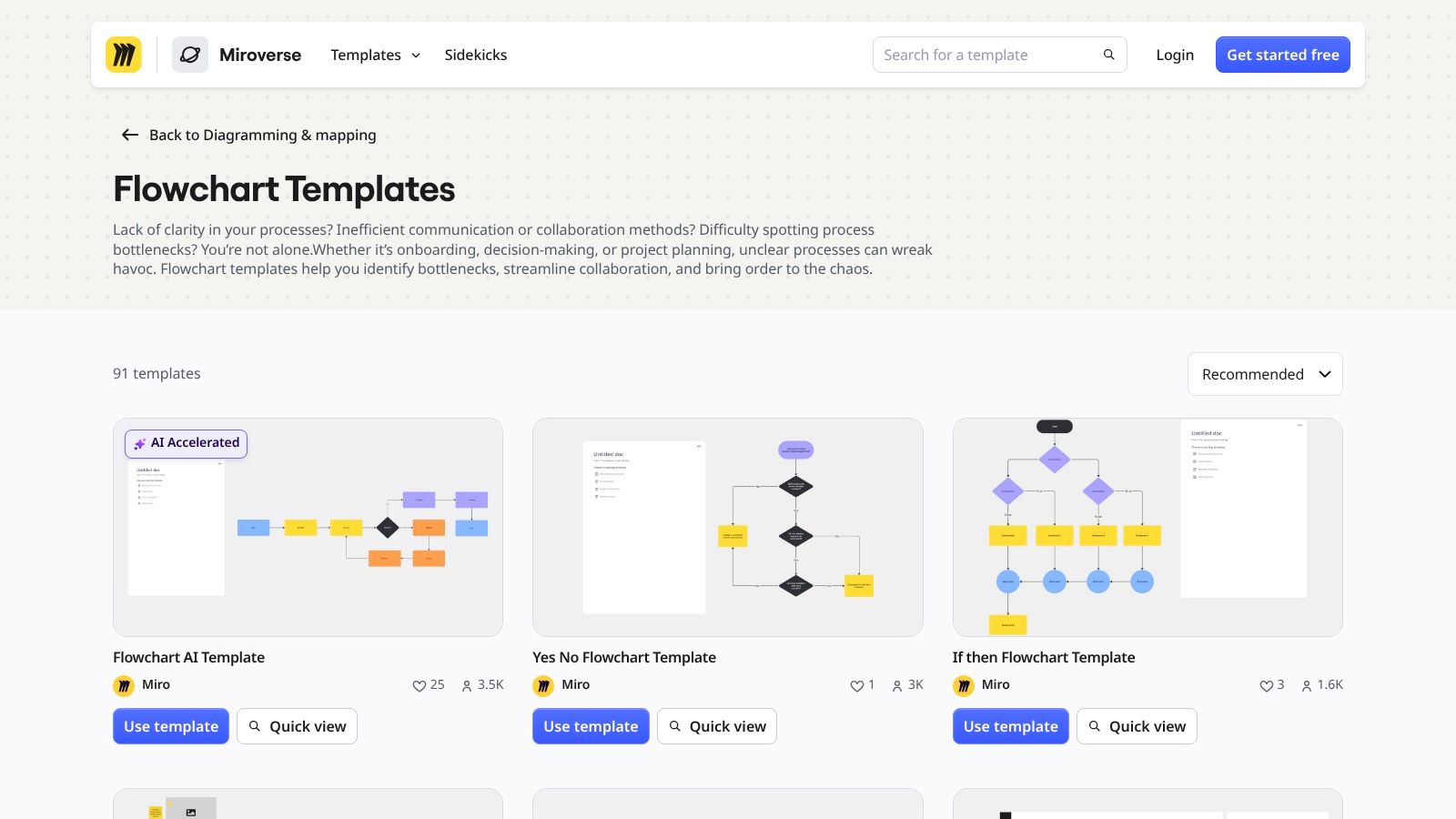
A call tree with shared ownership belongs in a workshop, and Miro fits that job. The Miro flowchart template collection includes swimlane layouts, which map cleanly to departments, locations, or roles when several people need to settle who owns each branch.
Use it for customer-facing menus with multiple handoffs or after-hours routing across sites. Give each location a lane, put the shared main number at the top, and mark every no-answer path. The useful argument is not whether a box is pretty. It is whether the destination exists, has a named owner, and still makes sense for the caller's time zone.
Plan limits change, so check Miro's current pricing page against your team's usage before you commit to a permanent board. A one-off customer menu may only need an exported copy. A board that stays live needs an owner and a review rule, or it will drift from the phone system.
Miro will not write the menu wording or configure the routing. Someone has to turn comments into greetings, extensions, ring groups, and escalation paths. Assign that person before the meeting starts. Otherwise, the board becomes a colorful archive of a decision nobody implemented.
9. Figma FigJam
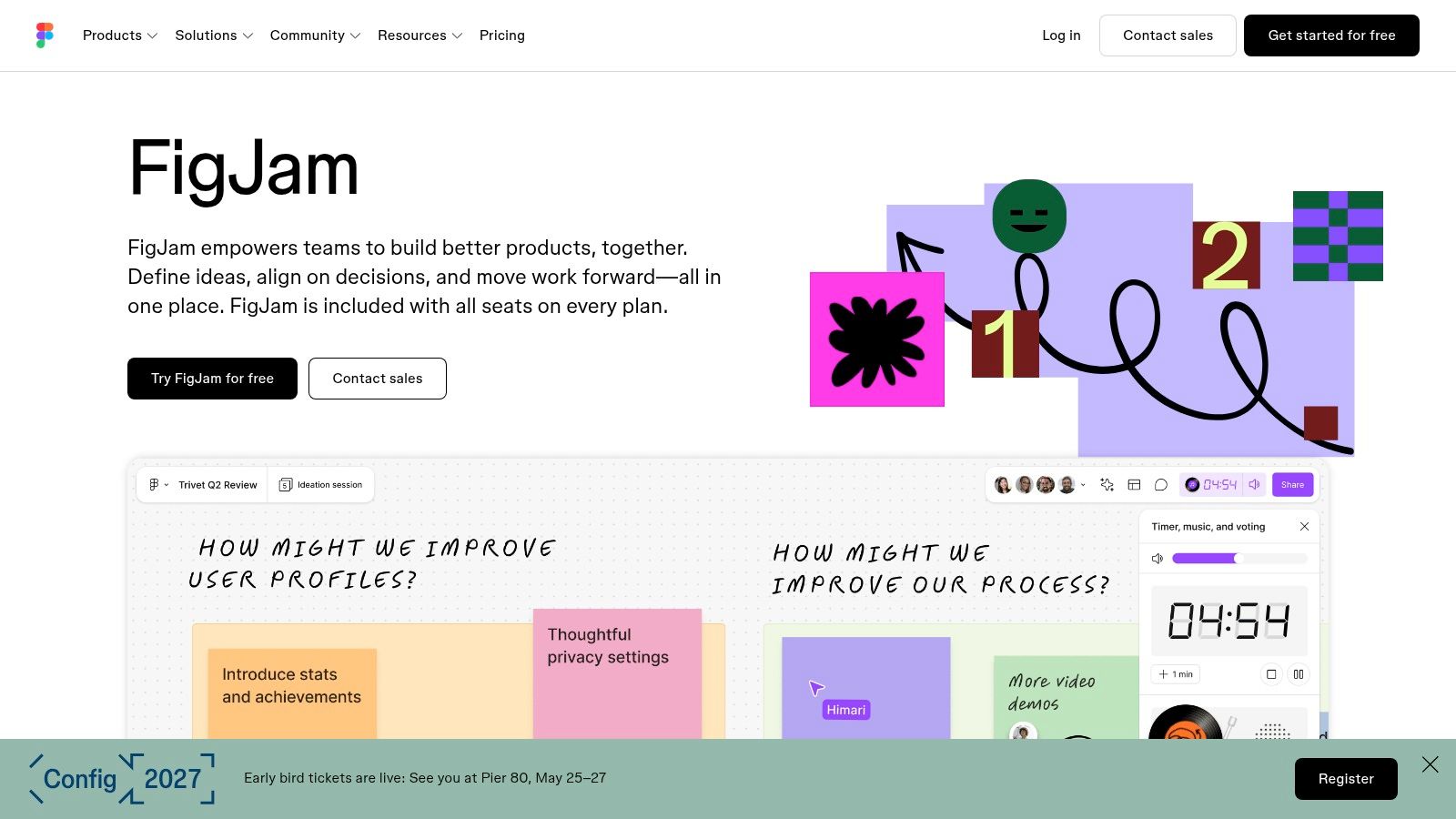
FigJam suits the messy middle. The FigJam online whiteboard gives you shapes, connectors, text, comments, and community templates, and it's flexible while the tree is still changing hourly. If your product team already lives in Figma, keeping the call-path sketch there removes a tool from the loop.
Use it for the argument, not the artifact. Sketch three competing menu structures, let people vote with comments, then rebuild the winner as a clean document someone can configure from.
Where it costs you time:
- Setup overhead: A fill-in form is faster when the structure is already decided.
- Community file quality: Templates vary widely, and many aren't built for telephony at all.
- Plan gating: Some advanced features, including FigJam AI, depend on the plan you're on.
I'd keep FigJam out of the final handoff. Whiteboard sketches rarely carry the boring fields that make a telephone tree template usable, such as escalation timing, backup numbers, and last-tested dates. Export the agreed structure, then move it into a sheet with those columns before anyone touches the phone system.
10. GreetKeeper Phone Tree and Call Routing Templates
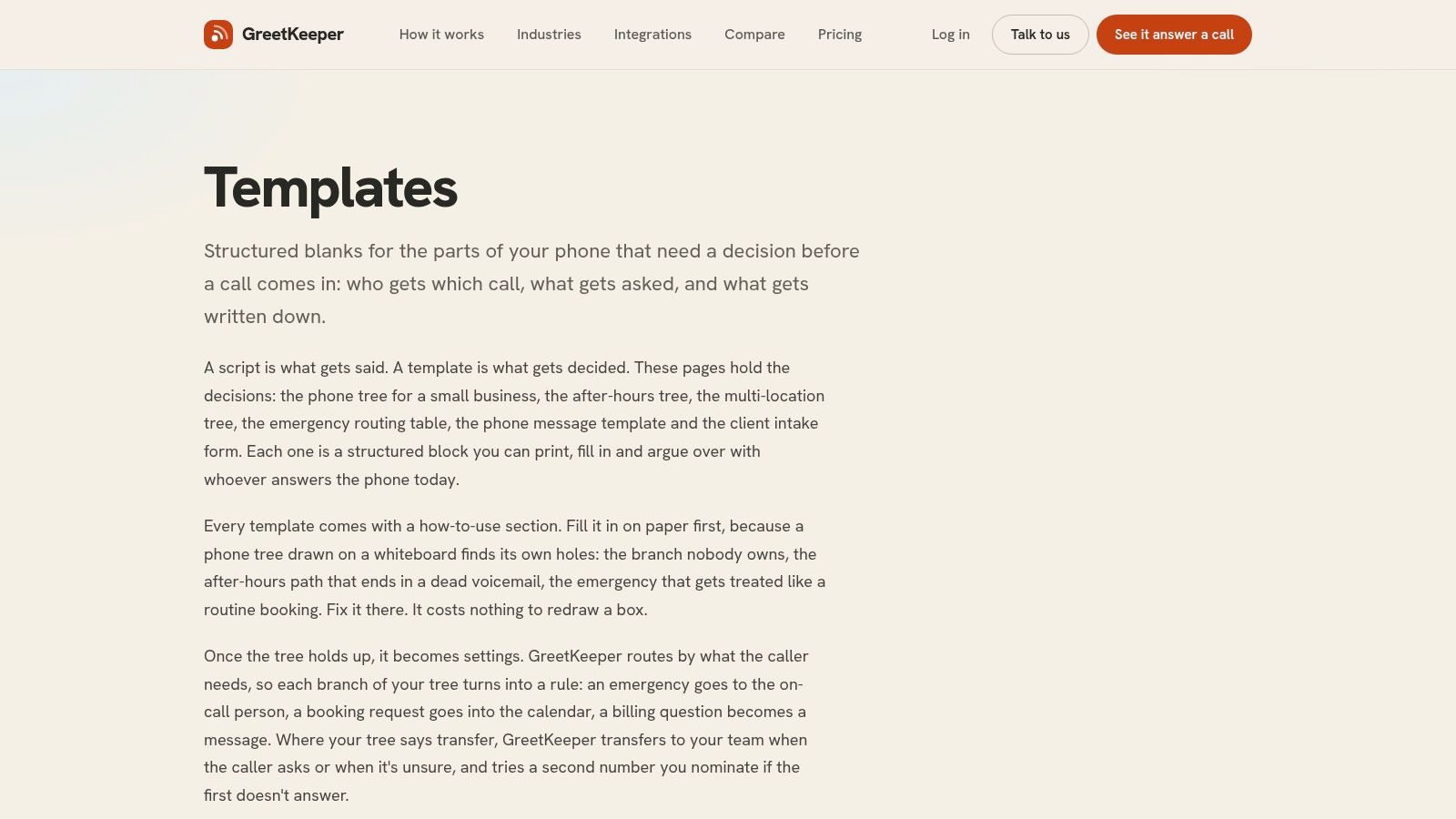
The GreetKeeper template library is the closest match to everyday small-business call handling. It carries basic and detailed small-business menus, service-business and multi-location versions, after-hours and emergency routing examples, plus routing tables and how-to guidance.
The routing tables are the useful part. Menu wording is easy. Deciding what happens when the service line rings out, or which location takes a call after close, is where most plans stop short, and a table forces you to write an answer for each row.
For multi-location operators, use the location template as a standard branch shape and keep one central owner for the main number. Same greeting structure, same keypad order, different destinations. That consistency is what stops a customer in one city from getting a completely different experience than a customer in another.
Two caveats. Every example needs adapting to your own phone system's terminology, since ring groups, hunt groups, and queues aren't interchangeable across platforms. And this is inbound routing material, not a staff notification cascade. The company also sells a call-routing product, so keep the free templates and any paid service separate in your evaluation.
How the telephone tree template options compare
| Item | Best For | Main Format | Customer Menus | Staff Alerts |
|---|---|---|---|---|
| OnSIP Business Phone Tree Template | Planning business call routing | Printable PDF worksheet | Plans auto-attendant choices, ring groups, and queues | Not designed for emergency notifications |
| Smartsheet Disaster Call Tree Template | Business disruption notifications | Excel, Word, PowerPoint, or PDF | Not designed for customer phone menus | Maps who activates the tree and who contacts whom |
| Smith.ai Emergency Phone Tree Template | A basic emergency contact plan | Downloadable document | Not designed for customer phone menus | Customizable emergency contacts and calling order |
| TemplateLab Phone Tree Templates | Comparing layouts for varied scenarios | Word, PowerPoint, and some PDF templates | Some templates cover automated menus | Includes staff call-tree layouts |
| BusinessFormTemplate Phone Tree | A simple contact network | Editable DOC or printable PDF | Not designed for customer phone menus | Records names and phone numbers in a pyramid layout |
| Canva Flowchart Templates | Creating a visual phone-menu map | Editable flowchart; JPG, PNG, or PDF export | Adaptable for greetings, choices, destinations, and fallback paths | Can be adapted, but requires building the logic |
| Lucidchart Flowchart Templates | Mapping complex routing and handoffs | Collaborative flowchart diagrams | Adaptable for menu branches and after-hours rules | Can map escalation paths and department handoffs |
| Miro Flowchart Templates | Collaborative planning by teams | Shared flowchart or swimlane boards | Adaptable for customer call menus | Can map internal notification sequences |
| Figma FigJam | Collaborative phone-tree brainstorming | Online whiteboard with templates | Adaptable for menu choices and fallback actions | Can map responsibilities and notification paths |
| GreetKeeper Phone Tree and Call Routing Templates | Small-business and multi-location call planning | Templates, routing tables, and guidance | Examples include business, service, and after-hours routing | Includes emergency routing, not a general staff call tree |
Match the Template to the Call, Then Test It
Start with the call path. Write the main number, the business-hours destinations, the after-hours rule, and the escalation step on one page before you choose a layout. The template that makes those four decisions easiest to see is the right one, regardless of how it looks.
Then match the tool to the situation. Customer-facing menus need shallow branches, distinct labels, and a zero-out, which is why a planning worksheet beats a pyramid form. Internal alerts need activation authority, acknowledgement deadlines, and backup callers, which is why a spreadsheet beats a flowchart. After-hours routing needs a decision point drawn explicitly, because that's the branch nobody remembers to configure.
Testing is where most plans collapse. Call every branch yourself, from an outside line, during hours and after close. Confirm the voicemail box exists and someone owns it. Confirm the overflow destination rings a real phone. For staff trees, run a drill and record elapsed time to reach the final tier, failed numbers, and who never acknowledged.
Accessibility deserves its own test pass. Adding a relay field or a second language doesn't make a route work. Untested channels create false confidence exactly when you can least afford it, so verify each preferred method with the person who owns it and log the date.
Distributed teams need one more thing: a maintenance trigger. Numbers change when people change roles, and hybrid schedules move the goalposts on availability. The same pressure shows up in trades, where the cost of a dead branch is a lost job, as this look at how tradies handle missed calls explains. Re-test after any staffing, number, or reporting-line change, and keep a printed copy that works when the network doesn't.
Once the plan is stable, a hosted system such as SnapDial can turn it into a live Auto Attendant with real destinations behind each choice. Our techs handle setup and configuration from start to finish at no cost, and routing changes stay editable through the web portal afterward.
SnapDial runs your menu on a hosted cloud phone system with Auto Attendant and IVR routing, smart queue management, queue callback, and real-time queue stats, so the branches you mapped on paper answer. Call recording and visual voicemail with transcription are included, and our Texas support center is open 24/7 by phone. Bring your finished call path to SnapDial and request a quote or schedule a call, and we'll build the menu with you.