

You've just finished a team meeting when someone says the phone system sounded robotic. Another person reports that a customer couldn't hear them. A speed test shows 200 Mbps download, so the internet connection appears more than capable. Yet the calls still fail when several employees speak, share screens, sync files, and join video meetings at the same time.
That result isn't unusual. VoIP bandwidth requirements aren't determined by download speed alone, and they don't scale neatly with the number of employees in an office. They depend on peak concurrent calls, upload capacity, codec selection, packet overhead, latency, jitter, packet loss, and whatever else is competing for the link.
For a hosted phone system such as SnapDial, the practical question is simple: can the network carry the busiest real workload in both directions without allowing voice packets to queue or drop?
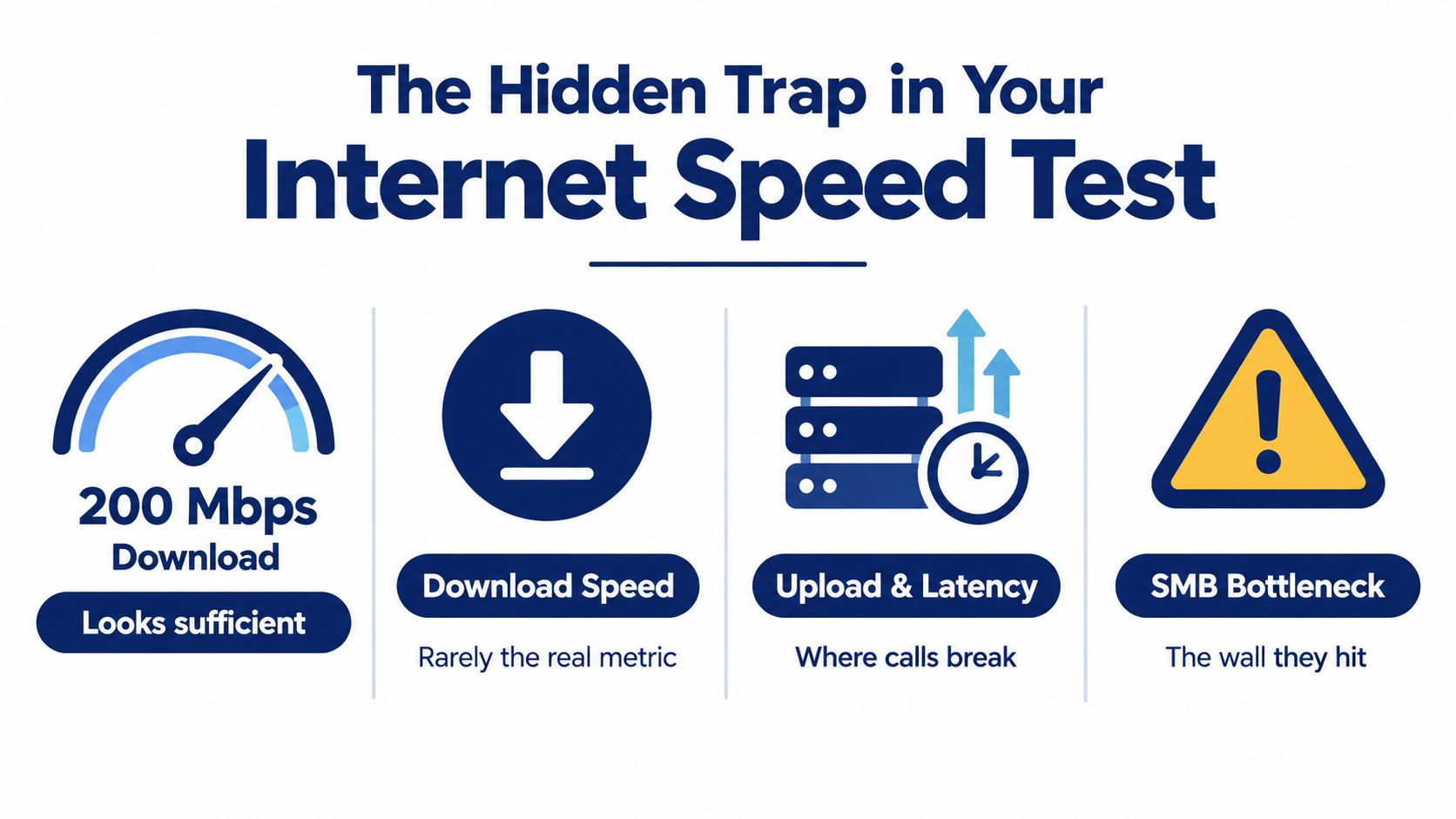
The Hidden Trap in Your Internet Speed Test
A team can pass a speed test in the morning and still report choppy hosted calls by afternoon. The test may show an impressive download result, while the upload path is saturated by file transfers, cloud synchronization, or video meetings. For SnapDial deployments, that asymmetry often explains failures that headline Mbps figures miss.
Employees receive audio from the hosted phone platform and send their speech back through the internet. Both directions must remain available throughout the call. Upload capacity is often lower than download capacity, and it may be shared more aggressively across the office.
The failure pattern is predictable. One employee starts a customer call, another uploads a large file, cloud storage synchronizes, and a third joins a video meeting. Download performance can remain acceptable while the upstream queue fills. Voice packets then arrive late or disappear, producing clipped speech, robotic audio, frozen video, or one-way conversations.
Count conversations, not desks
Headcount gives a weak estimate of voice demand. Many employees may never call at the same time, while a smaller sales team can create a sharp burst of concurrent conversations during a campaign or busy service period.
A common business VoIP planning rule allows about 100 Kbps in each direction per active call, with estimates of 80 to 100 Kbps per call in AT&T's VoIP bandwidth guidance. Using that rule, 10 simultaneous calls need roughly 1 Mbps upstream and 1 Mbps downstream, while 100 simultaneous calls need about 10 Mbps in each direction.
These are planning values, not a guarantee of call quality. Codec selection, packet overhead, network contention, and traffic bursts can raise the capacity a deployment needs. Size the hosted phone system for the highest number of active conversations expected during a busy interval, not for the number of installed handsets.
Practical rule: Treat upload capacity as a first-class VoIP requirement. A large download number cannot compensate for a congested upstream path.
Test the path your calls use
A generic speed test establishes a baseline, but it cannot confirm voice quality by itself. Run tests during ordinary business activity and during a deliberately busy period. Record upload speed, download speed, latency, jitter, and packet loss, then compare the results with the times employees report call problems.
You can also test your VoIP speed with a tool focused on voice readiness rather than headline internet speed. Use that result alongside real traffic observations, not as a replacement for testing under concurrency.
The connection's location and service type also matter. The ITU's 2025 broadband overview reports global average download speeds of 92 Mbit/s for mobile broadband and 118 Mbit/s for fixed broadband in early 2025, while low-income economies remained at 20% to 30% of high-income-economy speeds. Those figures reinforce the need to assess each branch and remote worker where calls originate. A link that looks adequate on paper can still fail when its upload path carries the office's busiest workload.
Breaking Down Per-Call Bandwidth and Protocol Overhead
A hosted VoIP link can pass a speed test and still produce choppy calls. The usual cause is a planning figure based on the codec's advertised bitrate rather than the complete packet stream. The codec supplies the voice payload, while Ethernet, IP, UDP, and RTP add headers and framing. Packetization also determines how often that overhead is transmitted.
Cisco's published calculations show the difference. With Ethernet, IP, UDP, RTP, and a 20 ms packetization interval included, a full-duplex G.711 call uses about 87.2 kbps per stream, while G.729 uses about 31.2 kbps per stream, as documented in Cisco's VoIP bandwidth calculation guide. These figures should not be treated as interchangeable. Codec selection changes the payload requirement, but protocol overhead remains part of every call.
Codec efficiency has a trade-off
G.711 favors straightforward, high-quality voice reproduction and consumes more capacity. G.729 compresses the stream more aggressively, reducing bandwidth demand while creating a different quality and processing trade-off. A lower bitrate can help on a constrained link, but the decision must also fit endpoint support, platform configuration, and the business's voice-quality expectations.
Upload symmetry matters here. A large download service may hide a smaller upstream path, especially in hosted VoIP deployments where voice packets must leave the office reliably. If the upload side fills with backups, cloud synchronization, or file transfers, calls can degrade even when the download result looks healthy.
The common provisioning error is multiplying raw codec bitrate by the call count and stopping there. That approach excludes the data required to deliver each packet, producing a neat but overly optimistic capacity estimate.
Build the calculation from the packet
Use this sequence:
- Identify the codec and packetization settings. The voice platform and endpoints determine the payload characteristics.
- Add protocol and layer-2 overhead. Include headers and framing sent with every packet.
- Multiply by peak concurrent calls. Use the busiest realistic call state, not the average.
- Add operational headroom. Reserve capacity for signaling, collaboration tools, cloud applications, and short bursts of competing traffic.
- Validate the result in production-like conditions. Sufficient capacity does not protect voice from uncontrolled latency, jitter, or packet loss.
Cisco's example for 2,000 G.711 channels uses packet rate, packet size, and call count rather than codec bitrate alone. The guide also notes that layer-2 framing can materially affect capacity, with overhead consuming 20% to 80% depending on the layer-2 protocol, particularly on smaller links.
For an initial estimate covering codec, packetization, concurrent calls, and available capacity, use the SnapDial VoIP bandwidth calculator. Treat its output as a starting point, then confirm it with traffic measurements and voice-quality testing under real concurrency.
Calculating Bandwidth for Simultaneous Calls in Your Office
A 25-agent sales floor may have far more registered devices than active conversations. During a campaign peak, you might measure 60 concurrent calls, with agents also opening customer records, transferring files, and joining internal meetings. That measured busy state is the starting point. Employee count alone is not.
Use this planning expression:
Peak concurrent calls × estimated bandwidth per direction per call = baseline upstream and downstream voice capacity
A common planning rule assigns 100 Kbps per direction per active call. Apply it to the measured peak, then account for packet overhead and the other traffic sharing the connection. The result is a voice baseline, not a complete internet-capacity recommendation.
Work through the busy-state calculation
For the 25-agent floor, 60 active calls produce a starting voice requirement of roughly 6 Mbps upstream and 6 Mbps downstream under that rule. The figure describes simultaneous voice streams only. It does not cover video, screen sharing, file transfers, software updates, VPN traffic, or cloud applications.
The upload figure deserves equal attention. A connection advertised with strong download performance can still produce choppy hosted VoIP if several agents transmit voice, screens, or documents through a constrained upstream path. Asymmetric service is a common failure point in office deployments, especially when the speed test reflects an idle network rather than the busiest call period.
Reserve capacity for short bursts and signaling instead of sizing the circuit to the exact voice baseline. Packet headers and layer-2 framing also consume capacity, so codec bitrate multiplied by call count will understate the link requirement.
The useful question is, “How many conversations and media streams are active at the same time?”
Include the work around the call
Calls rarely run on a quiet network. Agents load customer records, upload documents, share screens, and use collaboration tools while speaking. A branch may carry several offices over one WAN link, while a remote worker may share a household connection with other users.
Hybrid teams need the same concurrency discipline as a central office. Remote-work guidance commonly recommends 25 Mbps down and 10 Mbps up for one remote worker, and 100 or more Mbps down and 20 or more Mbps up for two workers, according to remote-work speed guidance from InternetProviders.ai. Those figures describe broader work-from-home capacity, not a per-call VoIP formula. Use them to assess surrounding workload, then validate the voice plan against peak concurrency and upstream availability.
If meetings include language support or interpretation, count every active media path. Real-time interpretation on Zoom can create more simultaneous streams than the participant list suggests. Test that meeting mode with the same upload constraints your office will use in production.
The Impact of Video Conferencing and HD Audio
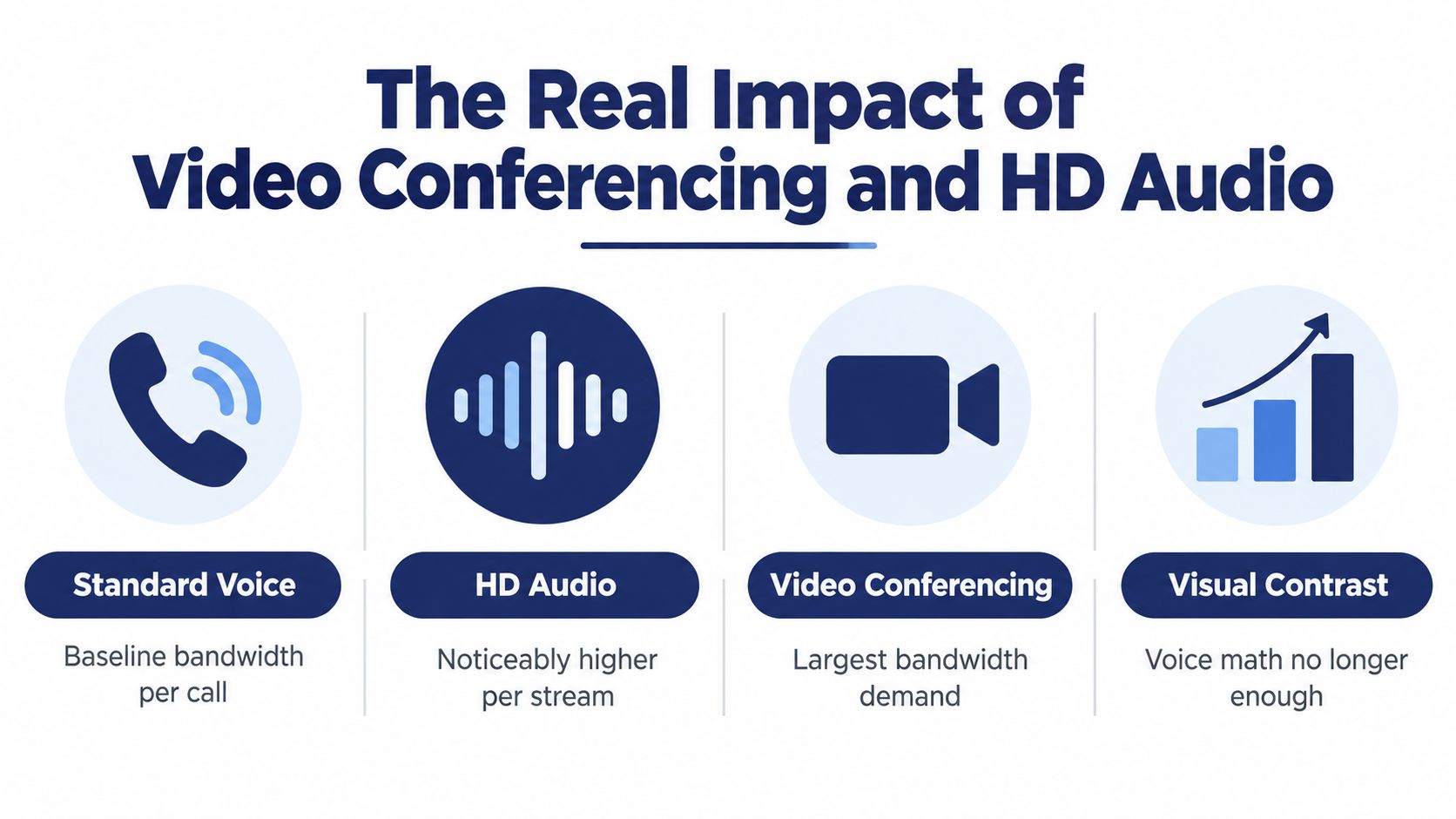
A voice plan can work well until several employees switch on cameras, share screens, or use HD audio. Video creates a larger, more variable stream than voice, and the upload path carries each participant's camera, microphone, and shared content to the hosted service. That upstream demand is where many otherwise adequate office links fail.
Guidance reviewed for 2026 places a typical active VoIP call around 100 Kbps, while HD video conferencing can require roughly 3 to 4 Mbps per participant, according to InternetProviders.ai's remote-work bandwidth guidance. A small meeting can therefore consume the capacity of many voice calls, especially when several people transmit video from one office.
Compare media by network behavior
| Media type | Planning implication |
|---|---|
| Standard voice | Low per-call demand, but sensitive to delay, jitter, and packet loss |
| HD audio | Higher stream quality and greater capacity needs than basic voice |
| Video conferencing | Much heavier per-participant traffic, with upload saturation as a common risk |
| Screen sharing and cloud collaboration | Variable bursts that compete with voice and video |
The table also explains why a speed test can pass while a group meeting fails. Download capacity may look generous, yet several participants can fill the upstream channel at once. Protocol overhead and packet queues consume part of the available link, so nominal speed does not guarantee clean speech or stable video.
Account for traffic outside the meeting
QoS can prioritize real-time packets, but it cannot create capacity. If the link is already full, prioritization only determines which traffic waits first. Set realistic QoS limits, and reserve enough upstream headroom for calls rather than assigning every available bit to other applications.
Background updates and file synchronization are frequent sources of unnoticed contention. They can begin during peak hours, consume upload capacity, and interrupt speech or screen sharing without any user deliberately starting a transfer. Schedule large transfers outside meeting periods, or rate-limit them at the network edge.
SnapDial's video conferencing overview provides context for treating conferencing as part of a unified communications workload. In a SnapDial deployment, test the combined pattern, voice, cameras, HD audio, screen sharing, and ordinary business traffic, instead of validating each service in isolation.
A speed test measures capacity at one moment. A voice deployment needs predictable behavior while every important application is active.
The practical test is simultaneous upstream use. Reproduce the busiest meeting conditions, observe queueing and speech quality, then size the link for the observed mix rather than the advertised download rate.
Contact Center Requirements and Network Stability Benchmarks
A contact center exposes weaknesses that a normal office can hide. Agents answer calls continuously, queues create concentrated activity, and a short degradation can affect many customer conversations at once. The design target is therefore stable service under concurrency, not just a large number on an internet plan.
Cisco's contact-center guidance lists 106 kbps per voice-activated voice call and 183 kbps per agent-answered call, showing that contact-center traffic can exceed a simple office estimate, as described in Cisco's bandwidth, latency, and QoS guidance. The distinction matters because the busiest agent state, call direction, and platform behavior influence the actual load.
Test the conditions that damage speech
Throughput is only one part of readiness. Measure the following during the busiest operating period:
- Latency: Check whether packets take too long to reach the hosted service and return.
- Jitter: Track variation in packet arrival time, not just average delay. Cisco guidance commonly cites keeping jitter below 30 ms for reliable voice.
- Packet loss: Verify that loss remains below the commonly cited 0.5% engineering target.
- Upload contention: Watch what happens when agents, VPN users, and cloud applications transmit simultaneously.
- Call direction: Confirm that agents and customers can both be heard. One-way audio often points to a path or contention problem rather than a simple download shortage.
You can learn more about the symptom and its causes through SnapDial's explanation of what jitter is in networking.
Test the busiest agent state
Don't run one quiet call and declare the network ready. Create a controlled test with the number of agents expected to be active during the busiest period. Add the applications agents use, including CRM screens, recordings, browser tools, and collaboration sessions.
Record the network measurements before the test, during the peak, and after competing traffic is introduced. If voice quality deteriorates only when uploads begin, the remedy may involve symmetric capacity, traffic prioritization, application scheduling, or a combination of these. Increasing download speed alone won't fix an upstream queue.
SnapDial Deployment Recommendations and Testing Procedures
A hosted phone rollout can fail even when a speed test shows an impressive download rate. Start with an audit, then compare the connection's actual upload capacity with peak concurrent calls, branch and remote-user locations, and the applications sharing the link. Include VPN tunnels, cloud backups, file synchronization, video meetings, and scheduled transfers that may overlap with business hours.
Use a four-step rollout
- Audit the network. Establish a baseline during quiet and busy periods. Measure both directions and record latency, jitter, and packet loss.
- Calculate the voice load. Combine peak concurrent calls, codec overhead, and the wider application mix. Refer to the calculator introduced earlier, then validate its estimate with production testing.
- Protect the immediate path. Apply suitable QoS policies, review VPN behavior, and prevent large nonessential transfers from competing with calls. Prioritize voice, but remember that prioritization cannot create capacity that the link does not have.
- Launch gradually and review. Begin with a controlled group, monitor call quality, and expand only after the network remains stable under representative load.
Keep room for changing work patterns
User counts and traffic profiles change. A branch may add agents, a hybrid team may increase video use, or a cloud application may alter its synchronization behavior. Plan spare capacity for bursts rather than sizing the connection to an average hour. Guidance cited earlier also shows why a connection supporting several simultaneous video meetings, streams, and file transfers needs more capacity than voice alone.
That reserve does not guarantee good calls. It reduces the chance that short upload or download bursts create queues that affect real-time traffic. Keep capacity symmetrical where possible, because business collaboration sends substantial data upstream through video, screen sharing, recordings, and cloud applications.
Verify after migration
After users move to the hosted platform, compare call reports with network measurements. Ask agents whether problems occur at call start, during transfers, while screen sharing, or when several people answer at once. Match those reports with upload utilization, jitter, packet loss, and competing application traffic.
Run the same checks after major changes, such as adding agents, enabling recording, or changing VPN routes. A quiet test can pass while the first busy shift exposes upstream contention.
SnapDial provides a cloud-based business phone system with calling, conferencing, unified communications, call routing, mobile applications, recording, voicemail, and contact-center capabilities. Those features make network validation part of deployment, not a final formality.
A bandwidth plan is ready when it reflects the busiest real workload, includes protocol overhead, protects upstream capacity, and has been tested under pressure. Measure the current link in both directions, then discuss the call profile and rollout requirements with SnapDial. Its team can help align a hosted phone deployment with office, branch, contact-center, or hybrid-work traffic instead of a generic Mbps target.