
Which cloud phone system features matter when you run a twelve-person shop with three locations and no IT department?
Vendors answer that question with a forty-page feature sheet. Most of it is filler. A handful of capabilities decide whether callers reach a human, whether remote staff can answer the office line, and whether you can open a fourth location next quarter without buying hardware.
This guide covers nine cloud phone system features worth evaluating, ordered from foundational to advanced. Auto attendant and IVR, unlimited lines, and call recording come first because everything else sits on top of them. Mobile apps, the admin portal, cloud faxing, and queue management come later, where the payoff is bigger and the configuration gets fussier.
For each feature you get what it does, where it earns its keep, a real use case, and the specific setup mistakes that turn a good capability into a support ticket. That last part is the one most buyers skip. Migrations rarely fail because a feature was missing. They fail because someone set the ring timeout to eight seconds and nobody tested a transfer from an outside line.
Read it as a checklist. Score your current system against it before you sit through another demo.
1. Auto Attendant and IVR (Interactive Voice Response)
An auto attendant answers your main number and routes callers through a spoken or keypad menu. IVR extends that with multi-level menus, speech recognition, and data lookups, such as verifying an account number before the call reaches a person. The practical result is that a small office answers every call professionally at 7 a.m. or 9 p.m. without paying someone to sit beside a phone.
The greeting and routing layer is the first thing a caller meets, so it deserves a look before you sketch your own menu.

Two configurations that pay for themselves
A multi-location professional services firm can publish one main number and route callers by region, so a client in Dallas reaches the Dallas office without a manual transfer. A small medical practice can split appointment scheduling, billing, and urgent care into three paths, which cuts the volume of calls the front desk has to sort by hand.
Get the menu wrong and callers hang up before they reach anyone. These four rules keep it usable:
- Cap the main menu at four options. Every extra branch doubles the chance a caller picks wrong and dials back in frustrated.
- Always offer a press-0 escape. A live-person route is the single most requested path on any business line, so make it the first thing the greeting mentions.
- Test the full path from an outside phone. Internal extension dialing hides broken timeouts, dead transfers, and menus that loop back to the greeting.
- Prune with data once a quarter. Pull the menu analytics, find options nobody selects, and retire them.
Practical rule: If a caller can't reach a human in two keypresses, the menu is too deep.
Here's a walkthrough of how the greeting and routing layer behaves in practice, including what a well-built menu sounds like from the caller's side.
Designing the call flow takes an afternoon. Keeping it accurate after two staff changes takes documentation, so write the menu map down and store it with your phone list. If you'd rather let software handle the greeting entirely, you can browse AI receptionist services that answer and route before a human picks up, and pair that with a documented telephone auto attendant setup for the departments that still want a keypad tree.
2. Unlimited Lines and Simultaneous Calling
How many calls need to happen at once during your busiest period? That number matters more than the employee count when you size a cloud phone system.
With a traditional PBX, concurrent calls could be limited by physical trunks or licensed channels. Cloud phone systems handle calling through the internet, so adding users and extensions does not require the same on-site hardware work. A growing team can add extensions as needed, while temporary numbers can be removed when a campaign ends.
The trade-off is that “unlimited lines” can mean different things. It may refer to user extensions, while simultaneous calls still have a separate limit. Most small organizations can also accumulate extensions for former employees, little-used shared devices, or fax lines that are no longer needed.
What to verify before you sign
- Review extensions regularly. Compare the seat list with your current staff roster and remove access that is no longer needed.
- Choose the right setup for shared devices. Lobbies, kiosks, and fax machines may need a shared or virtual extension rather than a dedicated user seat.
- Confirm simultaneous-call limits in writing. Ask whether “unlimited lines” covers concurrent calls, and check what happens when the limit is reached.
- Plan for peak calling, not total headcount. Estimate how many calls will be active at once, then check that your internet connection can support that load. Roughly 100 kbps of dedicated upload and download per simultaneous call is a starting estimate; validate it against your network conditions.
A shared outbound number can keep calls from employees' extensions consistent on recipients' phones. Confirm how caller ID is configured before rollout, especially if teams need to use different numbers.
3. Call Recording
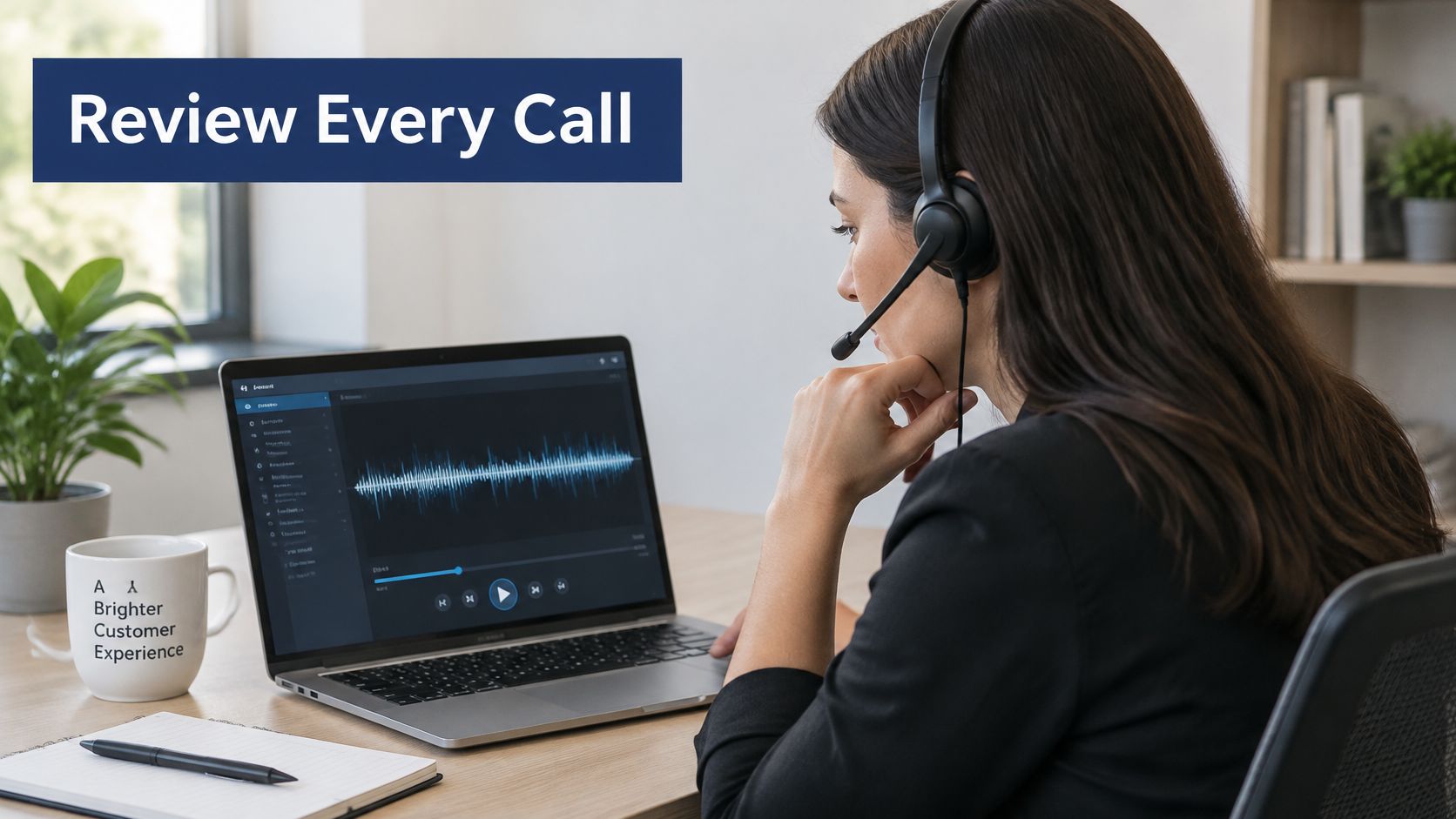
A customer calls to cancel and later insists nobody mentioned the early termination fee. The recording settles it in four minutes. That's its value: it turns "they said" into a file with a timestamp.
Recording captures inbound, outbound, or internal calls and stores them in the cloud for playback and search. You can set it to run automatically for everyone, only for specific queues, or on demand when an agent presses a button. That choice matters. Blanket recording of every extension creates a large archive nobody reviews, plus a heavier consent burden.
Consent and retention come first
Add a recording disclosure to your greeting and confirm the rules that apply where you operate and in your industry. Some jurisdictions require both parties to consent, and an unannounced recording is a legal exposure rather than a training asset. Healthcare, insurance, and financial advisory work also carry their own retention expectations.
- Set retention per category. Sales calls often need a short window. Client account calls may need years. Split them by queue instead of applying one clock to everything.
- Restrict playback and download to supervisors and compliance staff. An agent who can delete a recording can also delete the evidence in a dispute.
- Log who listens. Access logs turn a privacy policy into something you can prove.
- Review permissions quarterly. Staff turnover leaves access behind.
A support team can sample ten recorded calls a week against a short scoring rubric and spot coaching gaps before they show up in customer complaints. A small advisory firm can keep recordings of verbal client instructions as a compliance artifact.
Recording without a disclosure message is a legal problem waiting for its first complaint.
4. Visual Voicemail with Transcription
Voicemail is where small businesses lose deals without anyone noticing. A prospect leaves a message at 4:40 p.m., the owner listens at 8 p.m., calls back, and reaches a competitor's hold music.
Visual voicemail shows messages as a list in a mobile app or portal, so you choose which one to play instead of working through the queue in order. Transcription turns the audio into text you can read in three seconds, receive by email, or search weeks later. The mechanics are simple enough to read up on in this explanation of what visual voicemail gives you; the rollout decisions are where teams stumble.
Four setup decisions worth making early
- Check transcription accuracy in week one. Names, account numbers, and technical terms break first. If the transcripts mangle the words your callers use most, adjust the greeting to encourage slower, clearer messages.
- Turn on email notifications for shared boxes. A team voicemail account nobody monitors is worse than no voicemail at all.
- Confirm languages and plan tiers before rollout. Transcription isn't always included at every level, and discovering that mid-migration creates bad will.
- Set a deletion policy for sensitive transcripts. Text copies of confidential messages have a habit of living in inboxes forever.
A field technician reads transcripts between job sites and calls back only the urgent requests. A hybrid sales team gets transcripts by email and replies within the hour, which is often the difference between a live deal and a lost one.
Accessibility deserves a mention here too. If your team includes deaf or hard-of-hearing staff, transcripts stop being a convenience and become a requirement, and this guide to live captions for deaf users covers where captioning and transcription overlap. Align that policy with your call recording rules so a deleted transcript doesn't leave an audio file behind.
5. Mobile Apps and Mobile Office Call Routing
Mobile support isn't an extra anymore. The Verizon and Frost & Sullivan executive brief reported that at least 86% of surveyed organizations were either using or planning to use mobile business-calling applications. Most of the market already treats the desk phone as optional.
A mobile office setup puts your business number on a smartphone, tablet, or laptop. Calls ring several devices at once, follow the user between locations, or move from desk phone to cell mid-conversation. Employees stay reachable without handing out their personal numbers.
Ring order is where mobile routing breaks
Set the sequence deliberately. A common pattern is desk phone for two rings, then mobile for three, then voicemail. Get the timeouts wrong and calls bounce between devices while the caller hears silence and gives up. Route to mobile only during working hours, and send after-hours calls to an on-call rotation or straight to voicemail.
Train people on call handoff and do-not-disturb before the first week ends. A softphone that rings at 11 p.m. because the schedule was never configured damages adoption faster than any missing feature. Require an app PIN and device encryption on any phone holding a business extension, and decide in advance what happens when someone loses a handset.
A regional real estate team can ring agents' mobile phones after three rings when they're out of the office. A traveling consultant can take a client call on a tablet with the company number showing on the recipient's screen.

6. Self-Service Web Portal for Administration
Routine changes shouldn't require a support ticket. A self-service portal lets administrators add users, change routing, update greetings, pull call logs, and download recordings from a browser. Many platforms also give end users control over their own forwarding and voicemail settings.
The key evaluation question isn't whether a portal exists. It's how many separate consoles you need in order to create a user, build an IVR menu, adjust a queue policy, review a recording, and troubleshoot a bad handset. Count them before you buy, because that number determines how much of your week disappears into administration.
The portal also holds your emergency service addresses, which is not clerical trivia. In a 2017 report, the U.S. Federal Communications Commission stated that, for the 11 states providing data, emergency-service facilities received 1,549,199 incoming 911 calls from interconnected VoIP or equivalent emergency communications service users, and noted that since 2005 it has required interconnected VoIP providers to transmit 911 calls to the appropriate Public Safety Answering Point with location information. When an employee moves to a home office and nobody updates the record, dispatchable location is wrong.
Guardrails for admin access
- Enable multi-factor authentication on every admin account. Portal access is phone-system access.
- Train two administrators. One person holding sole credentials is a single point of failure during vacation and resignation alike.
- Write down your standard procedures. Onboarding, offboarding, holiday routing, and greeting changes should follow a documented script, not memory.
- Review access logs and remove departed staff. An account left active after someone leaves is the most common audit finding in small phone environments.
7. Cloud Faxing with Collision Avoidance
Faxing refuses to die in healthcare, legal, and any trade that moves signed documents. Cloud faxing sends and receives over the internet using fax-over-IP, typically T.38 or a pass-through method, and delivers documents as digital files by email or in a portal. No analog line, no thermal paper, no jam at 5 p.m. on a Friday.
Collision avoidance handles the failure nobody thinks about until it happens: two inbound faxes arriving at the same moment. Rather than colliding into garbled half-pages, the system queues or staggers the transmissions so both arrive intact. For a clinic receiving referrals, that's the difference between a same-day appointment and a callback.

A small medical office can route referral forms straight into email for same-day processing, and a law firm can send signed documents to clients without owning a fax machine. Before you commit:
- Test with legacy equipment first. Some medical devices and older multifunction printers have fax modems that behave badly over IP. Confirm the specific device works before you retire the copper line.
- Route inbound faxes to a restricted mailbox. Patient forms and contracts shouldn't land in a general inbox.
- Use delivery receipts and fax logs. A transmission log is your proof when a client claims a document never arrived.
- Check monthly page volume against your plan. Overage charges on a busy month are an avoidable surprise.
A hosted cloud fax solution keeps the number your clients already have on file while moving delivery into email and a searchable archive.
8. Smart Queue Management, Queue Callback, and Call Center Reporting
Queue design looks like a technical exercise and behaves like a staffing exercise. Smart queue management routes each call to the most appropriate available agent using rules such as skill, priority, or longest idle time. Queue callback lets callers keep their place and receive a return call when someone frees up, which converts a hang-up into a conversation. Wait-time announcements set expectations so people decide for themselves whether to hold.
Reporting closes the loop. Real-time statistics show calls waiting, agents available, longest wait, and service level. Historical reports cover call volume, average handle time, first-call resolution, abandonment rate, and agent utilization.
Buy observability, not just routing. The Riverbed 2025 global survey found 43% of respondents reporting performance issues, with limited visibility into usage, performance, or user behavior the leading problem at 48%. Queue statistics only earn their keep when you can line them up with packet loss, jitter, endpoint type, and the complaint an agent just logged.
The metrics that actually change staffing
- Start with simple ring strategies. Add skills-based routing only after you've reviewed a month of queue data and know where calls pile up.
- Set wait thresholds that trigger overflow or a callback offer. A threshold nobody acts on is decoration.
- Pick three to five KPIs. Service level, abandonment rate, and average handle time cover most small teams.
- Set a target, such as answering 80 percent of calls within 20 seconds, and review it daily. Daily beats monthly because staffing decisions happen on Tuesday, not on the 30th.
- Share reports with agents. Coaching and recognition land better than a scoreboard used only for discipline.
A support manager who notices abandonment spiking every Monday morning can add coverage in that window instead of hiring across the board. A small sales team can compare outbound campaign performance week over week using the same call data. If you're comparing platforms, this 2026 guide to contact center tech is a useful second opinion on which reporting features to insist on.
9. Yealink IP Phones and HD Voice Integration
Hardware is the part buyers try to skip, and it's where a clean rollout still goes sideways. IP phones register to the cloud system over the internet and give each desk a dedicated device. Yealink is one of the widely used brands in business VoIP, with models ranging from basic desk phones to executive touchscreen and video units. HD voice, delivered through wideband codecs such as G.722, sounds noticeably clearer than a narrowband call, provided the network isn't congested.
Match models to roles rather than buying one SKU for everyone. Entry models suit hallways, break rooms, and shared desks. Touchscreen models make sense for reception and for anyone who lives on the phone all day. An expansion module beside a reception handset gives one-touch access to dozens of extensions, which beats memorizing a dial plan.
Network settings that decide call quality
- Power phones from PoE switches. One cable per phone, no wall warts, and a battery-backed switch keeps handsets alive through a short outage.
- Enable QoS and prioritize voice traffic. Voice packets that queue behind a file upload sound like a call from 1998.
- Test each model on your actual network. Speakerphone quality, headset compatibility, and Wi-Fi behavior vary by model and by building.
- Plan the cutover stage by stage. Pilot one department, forward numbers temporarily, define rollback criteria, and validate transfers, queues, voicemail, failover, and emergency calling before the old system goes dark.
The workload behind that cutover is what catches people out. Independent migration research found that up to one-third of businesses felt unprepared or underprepared for cloud communications, and among those, one in three said they needed help with planning, solution design, and technical resources while one in four needed implementation help including network connectivity.
Cloud Phone System Features at a Glance
| Primary Benefit | Best For | Implementation Difficulty | Key Evaluation Question |
|---|---|---|---|
| Automatically greets and routes callers | Businesses handling calls across departments or locations | Moderate; menus need careful setup and maintenance | Can callers reach the right person quickly, with an option to speak to a live person? |
| Scales users and concurrent calls without new phone hardware | Growing businesses and teams with seasonal demand | Low; confirm plan limits and network capacity | Do pricing and concurrency limits fit expected usage? |
| Supports coaching, dispute resolution, and compliance | Contact centers and regulated businesses | Moderate; configure consent, access, and retention controls | Does the recording setup meet legal, privacy, and retention requirements? |
| Makes voicemail easier to review and respond to | Busy, mobile, and accessibility-focused teams | Low; check language support and permissions | Are transcripts accurate and secure enough for your needs? |
| Keeps employees reachable on their business number across devices | Remote, hybrid, and traveling employees | Moderate; configure routing, schedules, and device security | Does call quality and routing work reliably across employees' devices? |
| Lets staff manage phone settings without routine vendor support | IT teams and office managers overseeing phone systems | Low to moderate; requires access controls and user training | Can administrators make routine changes securely and easily? |
| Replaces physical fax machines with digital sending and receiving | Healthcare, legal, and other fax-dependent businesses | Moderate; test compatibility and secure document handling | Does it work with existing fax equipment and protect sensitive documents? |
| Reduces caller wait frustration and improves service visibility | Support and sales teams managing call queues | Moderate to high; routing rules and reporting need ongoing tuning | Do callback, routing, and a focused set of metrics improve caller experience? |
| Provides dedicated desk phones with clearer HD voice | Reception desks, high-volume users, and teams preferring desk hardware | Moderate; requires device, network, and provisioning setup | Do phone models, network quality, and total hardware costs suit each role? |
Choosing a Platform That Puts These Features to Work
The case for consolidating isn't marketing. An independent industry overview reports that more than 80% of workplaces use four or more UC and collaboration tools, while only 18% of employees believe those platforms integrate well with other tools and systems. Every extra console you keep is a place where user records drift out of sync and a caller falls through.
So map the nine features to your own operation before you compare quotes. A five-person firm with one location needs the auto attendant, unlimited lines, recording, and visual voicemail. It probably doesn't need skills-based queue routing. A twenty-person support operation with four locations needs all of it, plus reporting it will read. Growth plans matter as much as current headcount: if you expect to add a second shift, confirm how the platform prices seats and concurrent calls before you sign.
Then ask pointed questions. What's the concurrent call limit on my plan? Who owns the number-porting paperwork? Does recording disclosure sit in the greeting or in the agent script, and what retention defaults apply? What does "no downtime" mean during cutover, in stages and rollback criteria? And what does setup include when my office manager has never configured a queue?
SnapDial is one example of a platform that ships these capabilities together rather than as a menu of add-ons. The stack covers auto attendant and IVR, unlimited lines, free call recording, visual voicemail with transcription, a mobile office app for answering office calls anywhere, a self-service web portal, cloud faxing with collision avoidance, call center features including smart queue management, queue callback, wait-time announcements and real-time reporting, and a curated range of Yealink IP phones. Pricing is all-inclusive, setup is handled end to end at no cost, and support runs 24/7 from Texas.
Take the checklist and audit your own call flow this week. Dial your main number from a cell phone, count the keypresses to a human, check whether your voicemail reaches email, and confirm the emergency address on file for every remote employee. Then visit https://snap-dial.com to see how the features line up with your team.
SnapDial bundles the nine capabilities above into one hosted system, with all-inclusive pricing, call recording included at no cost, and setup handled end to end by its own technicians. If you're replacing a legacy PBX or consolidating four collaboration tools into one, the platform covers auto attendant and IVR, unlimited lines, visual voicemail with transcription, mobile office calling, cloud faxing with collision avoidance, and call center queue management with real-time reporting. Visit SnapDial to walk through the features against your own call flow and get a setup plan before you switch anything over.